User Selected Test
The recommended order of tests is firstly at ½x the rated current followed by a test at
the rated current and finally, for 30mA RCD’s only, 5x the rated current.
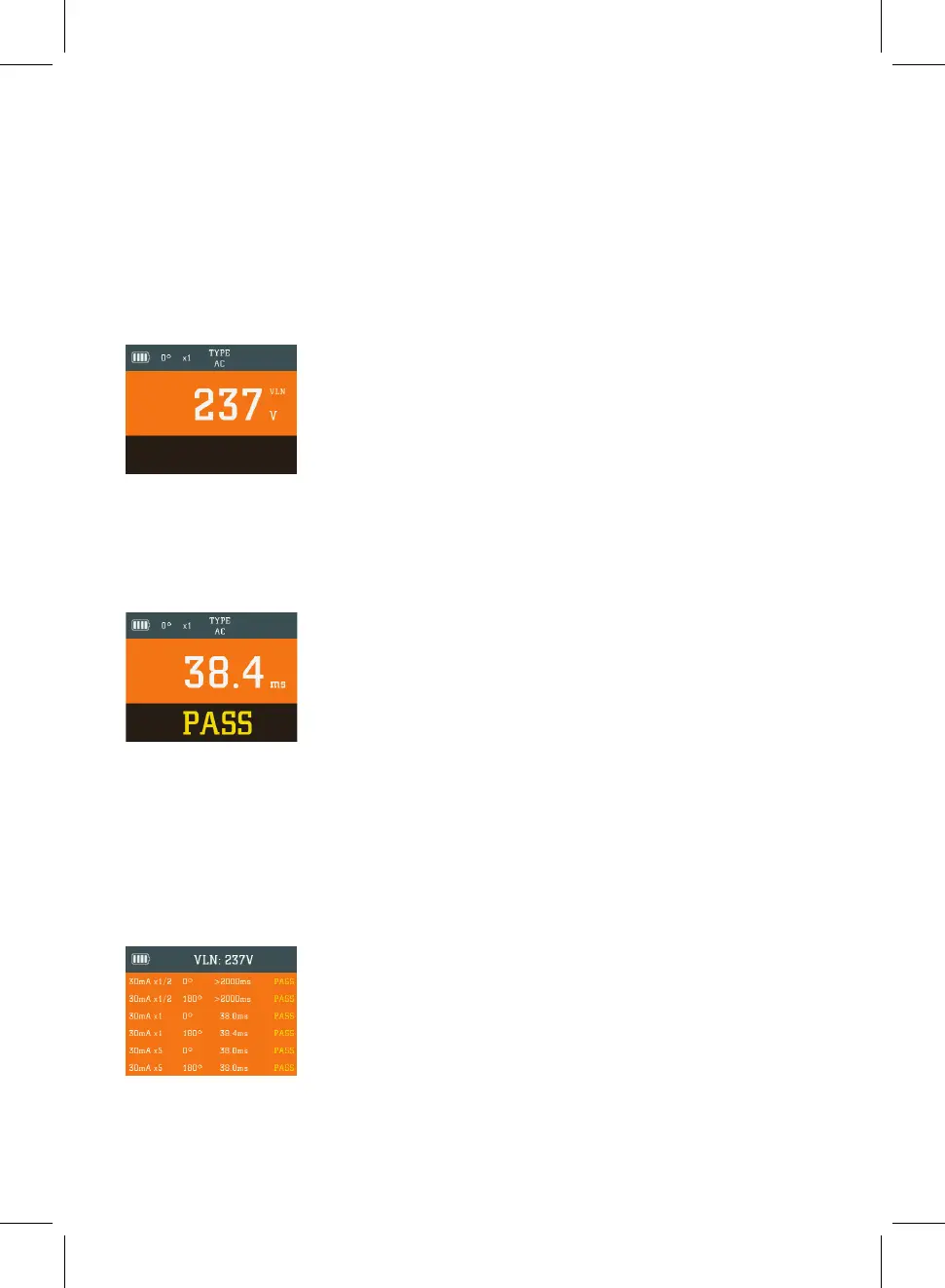
The default test parameters of x½ x1 x5 for the current multiplier and 0° for the phase
polarity will be automatically selected for the first test. These will be displayed on the
LCD along with the Live-Neutral voltage.
Press the test button and a test will be conducted at these settings. If successful and
the RCD has failed to trip a single beep will sound and the main display will be similar
to this example
Automatic Test
For the most commonly encountered 30mA RCD the test process is even simpler. Just
turn the rotary selector to the 30mA AUTO select type A or AC using the RCD AC/A
button’ setting and the Socket & See MFT5000 will conduct all six required tests at a
single touch of a button. Then when the RCD under test “trips” reset the RCD and
continue to do so until the test procedure is complete then return to your MFT5000
where all results will be displayed on one screen.
Pass or Fail Result
In addition to displaying the time taken for the RCD to trip the Socket & See MFT5000
will also indicate whether it has passed or failed the test requirement of BS 7671.
27


 To Next Page