CHAPTER 5: SETUP FOR WINDOWS PC 49
10. After several seconds, the CHS will reconnect to the computer, indicated by a beep.
The CHS will beep once when it has connected and is ready to scan barcodes.
The LED will also blink blue once every 3 seconds. A CHS icon
will also
appear in the system tray.
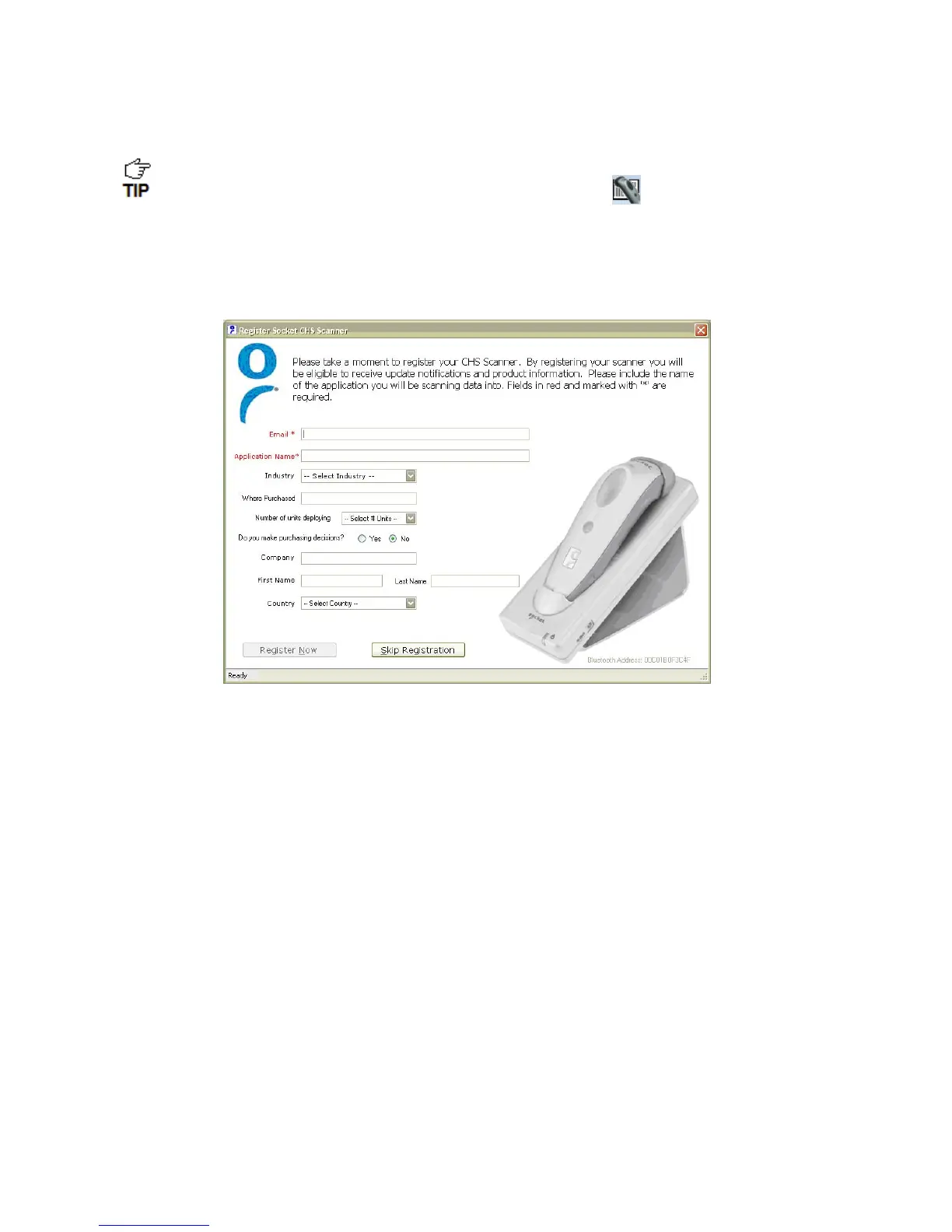
11. Click X to close Socket EZ Pair. The CHS Registration screen will appear. Complete the
required fields and click Register Now to register the scanner, or click Skip
Registration to register later.















 To Next Page