7 | SETUP FOR BLACKBERRY 83
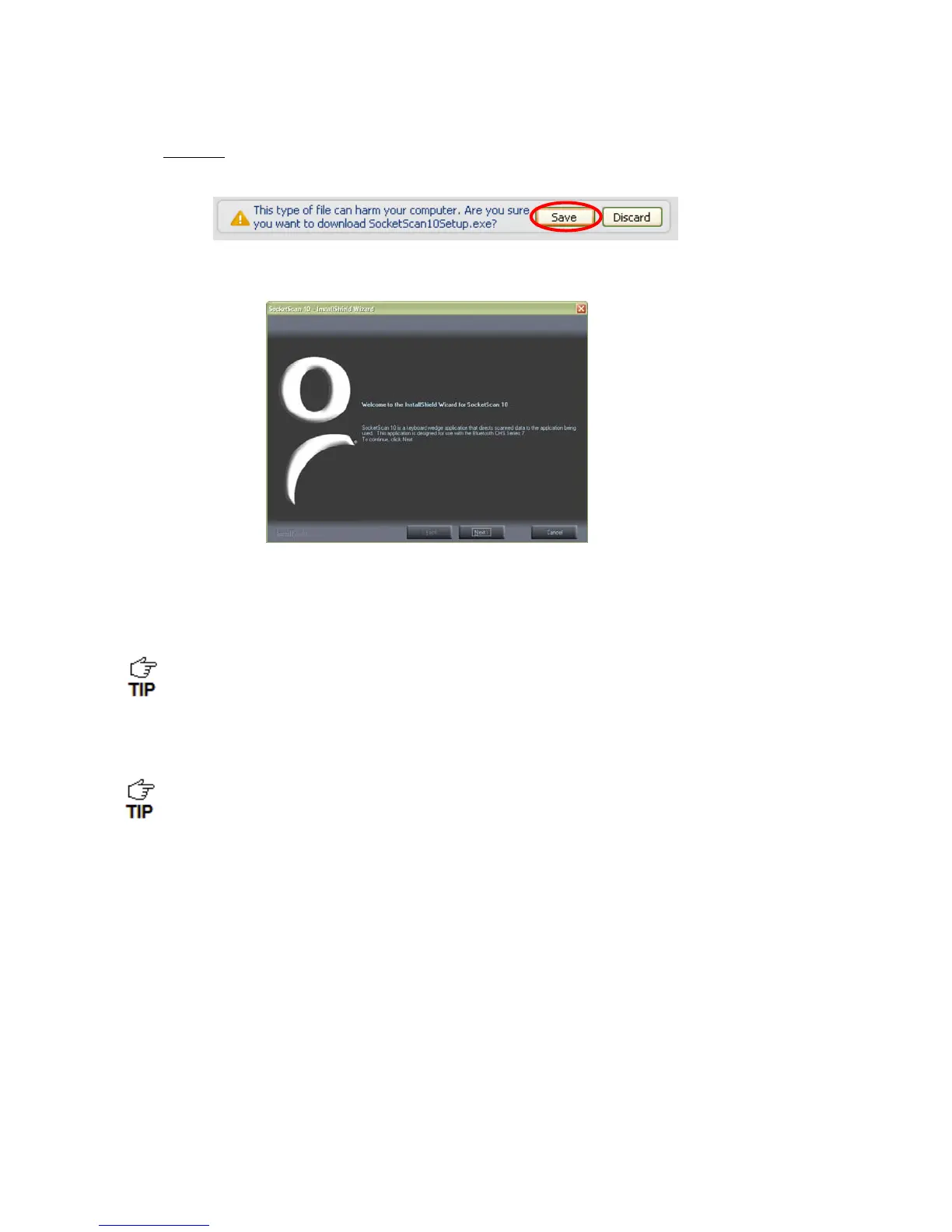
Chrome: Click Save at the bottom of the screen. Click on the link for
SocketScan10Setup.exe. In the Security Warning screen, click Run.
4. The installation wizard will launch. Follow it to install software for BlackBerry.
5. After software installation, click Finish.
6. Use a USB connection cable/cradle to connect the smartphone to the PC.
7. Launch the BlackBerry Desktop Manager. Click Start | Programs | BlackBerry |
Desktop Manager.
Click Applications. If SocketScan 10 doesn’t show in the list of
Applications, click Import files. Browse to the location of the SocketScan
10 file on your computer.
8. In the Application Summary pane, click Apply.
By default, all of the SocketScan 10 subfiles will be selected for installation. Do not
deselect any.















 To Next Page