COMMAND BARCODES
Important! Make sure the CHS is not connected to a host computer or
device before scanning a command barcode!
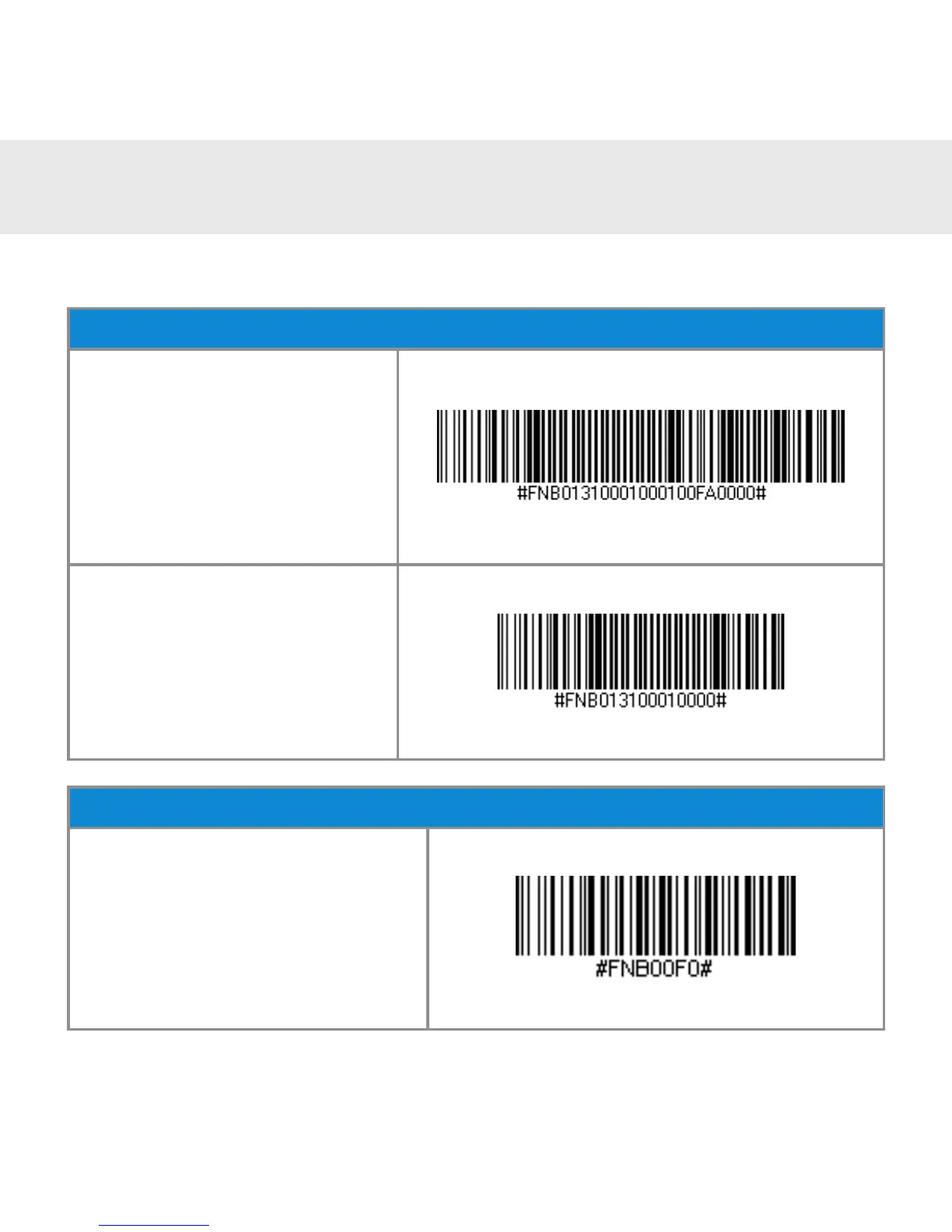
Vibrate Settings
Vibrate “ON” (Default)
Enables CHS to vibrate to
indicate successful scans.
Vibrate “OFF”
Disables CHS from vibrat-
ing to indicate successful
scans.
Factory Default
Factory Reset
Reverts all settings to fac-
tory defaults. The CHS will
power off after scanning this
barcode.
19















 To Next Page