USING THE SCANNER
15
Scanning Barcodes
After connecting the CHS to your device, open an application. Place the
cursor where you want to enter the scanned data.
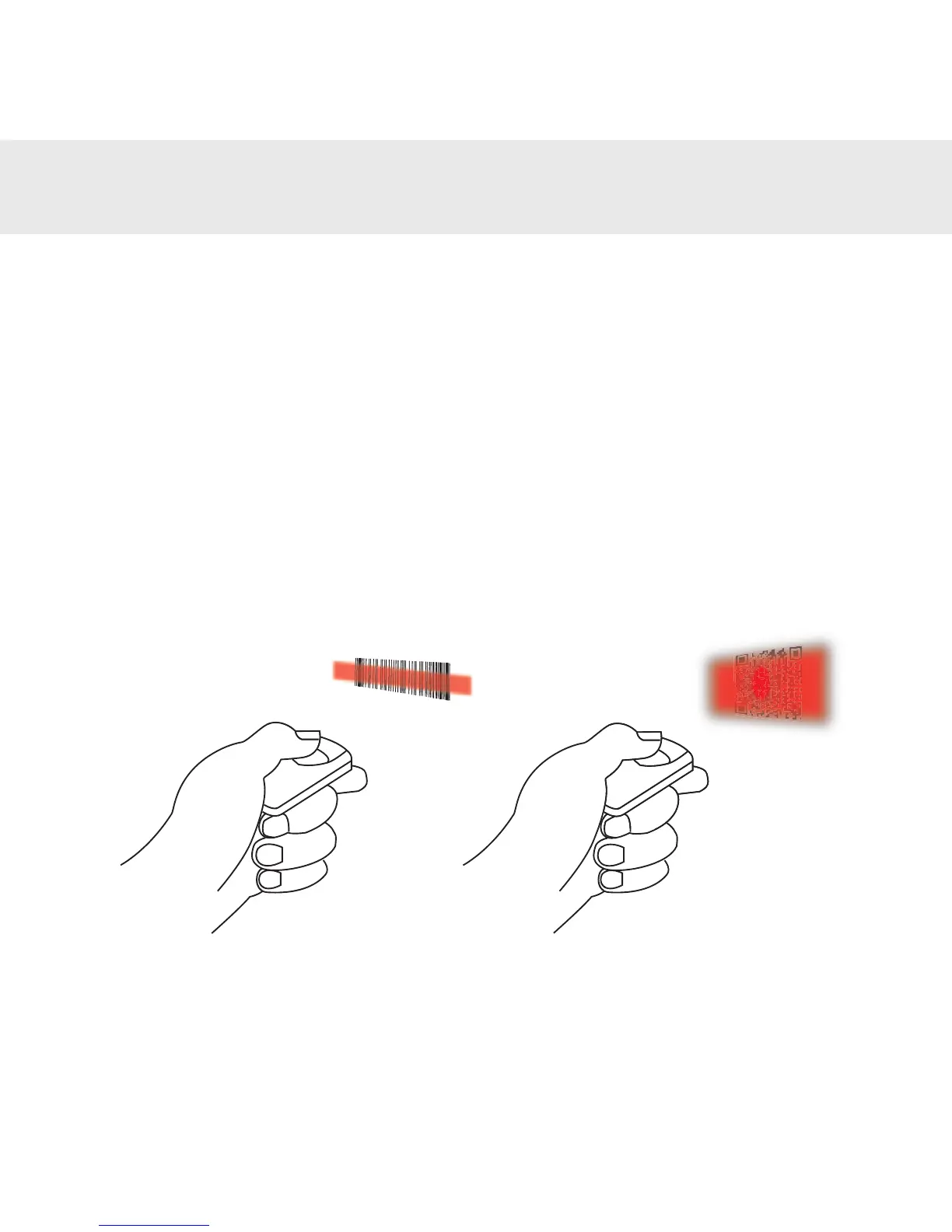
1. Hold the CHS a few inches from the barcode.
2. Aim, press and hold the trigger button.
Bydefault,theCHSwillbeep,vibrate,andthesideLEDwillashgreen
toconrmsuccessfulscan.
CHS 8Ci
~4” to 8”
scanning distance
CHS 8Qi
~6” to 12”
scanning distance















 To Next Page