CHARGE THE CORDLESS HAND SCANNER (CHS)
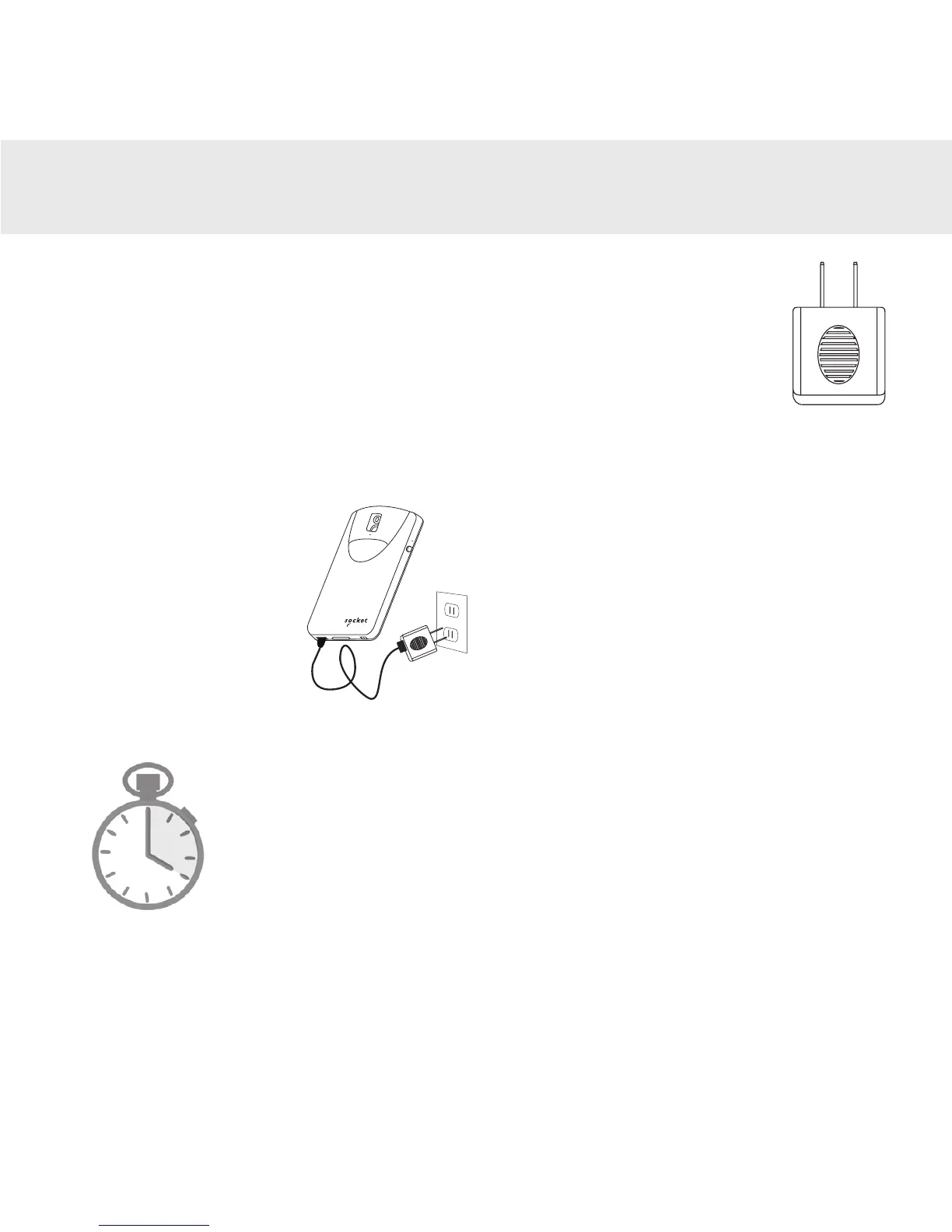
1. Insert charging cable into an AC charging adapter (not included
- most smartphones and tablets come with AC Adapters that
look something like this.)
2. Plug charging adapter (not included) into an outlet.
3. Insert Micro USB into the CHS USB port.
4. The CHS will beep twice indicating adequate power is being supplied
to the unit.
4
Side LED status
•Red = Charging
•Green = Fully charged
Note: The CHS comes with a pre-installed rechargeable Lithium Ion bat-
tery, the initial full charging of the battery can take up to 4 hours.
4 Hours
Power On
Press and hold down the small power button on the side until the CHS
beeps twice (low-high tone).
m o b ile
®















 To Next Page