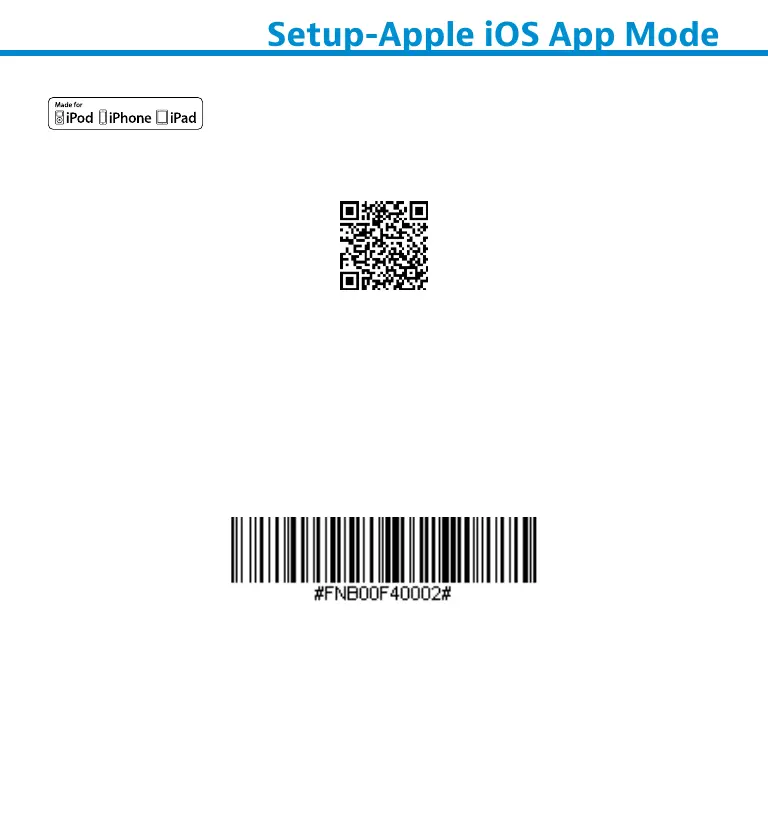
Scan QR Code using your host device to download Socket Mobile
Companion app to pair your scanner.
For quc set up
Note: For the S730 laser barcode scanner print the barcode to scan.
1. Power on the scanner. Make sure the scanner is discoverable
(unpaired). The Blue light should be blinking fast.
2. Scan barcode. The scanner will beep 3 times.
App Mode (MFi-SPP)
3. Turn on Bluetooth on the Apple device. Go to Settings >
Bluetooth. A Bluetooth devices search will begin.
17















 To Next Page