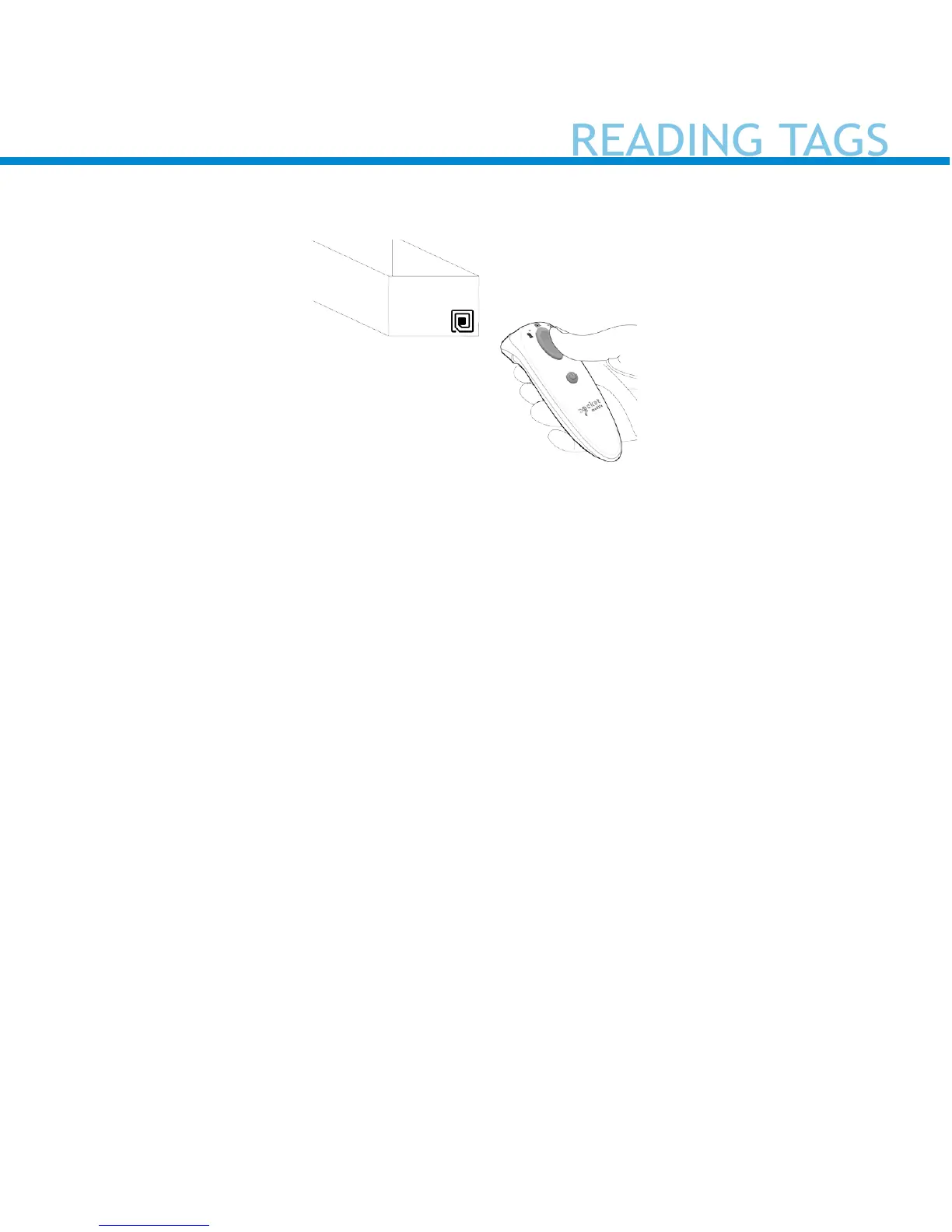
Reading Tags
1. Hold the reader within two inches of the card, tag or smart device
2. The card, tag, or smart device should be parallel to the D600 antenna
3. Press the trigger button momentarily; the read indicator light turns
orange while reading/pulling a tag.
By default, the reader will beep, vibrate, and the read indicator will
ash green to conrm a successful read.


 To Next Page