Wire EDM Machine Operation Chapter 5
Copyright November, 98 Page 5-2 Sodick Inc.
The G00 command causes the wire to move at its fastest possible rate. The power supply
will not be switched on so no EDMing will be performed. If two (or more) axes are
programmed in a G00 command, simultaneous movement of both axis occurs. Be careful
with rapid motion commands, as it is possible to crash the machine into a fixture or
clamps. NOTE: Rapid moves are not included, when the control calculates the total
length of the program.
The primary use for the G00 command (in a program) is to position the wire to a new
location. If there are multiple openings in the same part, you can program the machine to
rapid to the start hole for the first opening. At this point the wire would be threaded (T91)
through the start hole. After the opening is machined, the program would tell the machine
to cut (T90) the wire. Then, the next G00 command would tell the machine to rapid to the
start hole for the next opening. This could be repeated for as many openings as required.
G
G
0
0
1
1
-
-
S
S
T
T
R
R
A
A
I
I
G
G
H
H
T
T
L
L
I
I
N
N
E
E
M
M
O
O
T
T
I
I
O
O
N
N
(
(
A
A
C
C
T
T
U
U
A
A
L
L
L
L
Y
Y
C
C
U
U
T
T
T
T
I
I
N
N
G
G
)
)
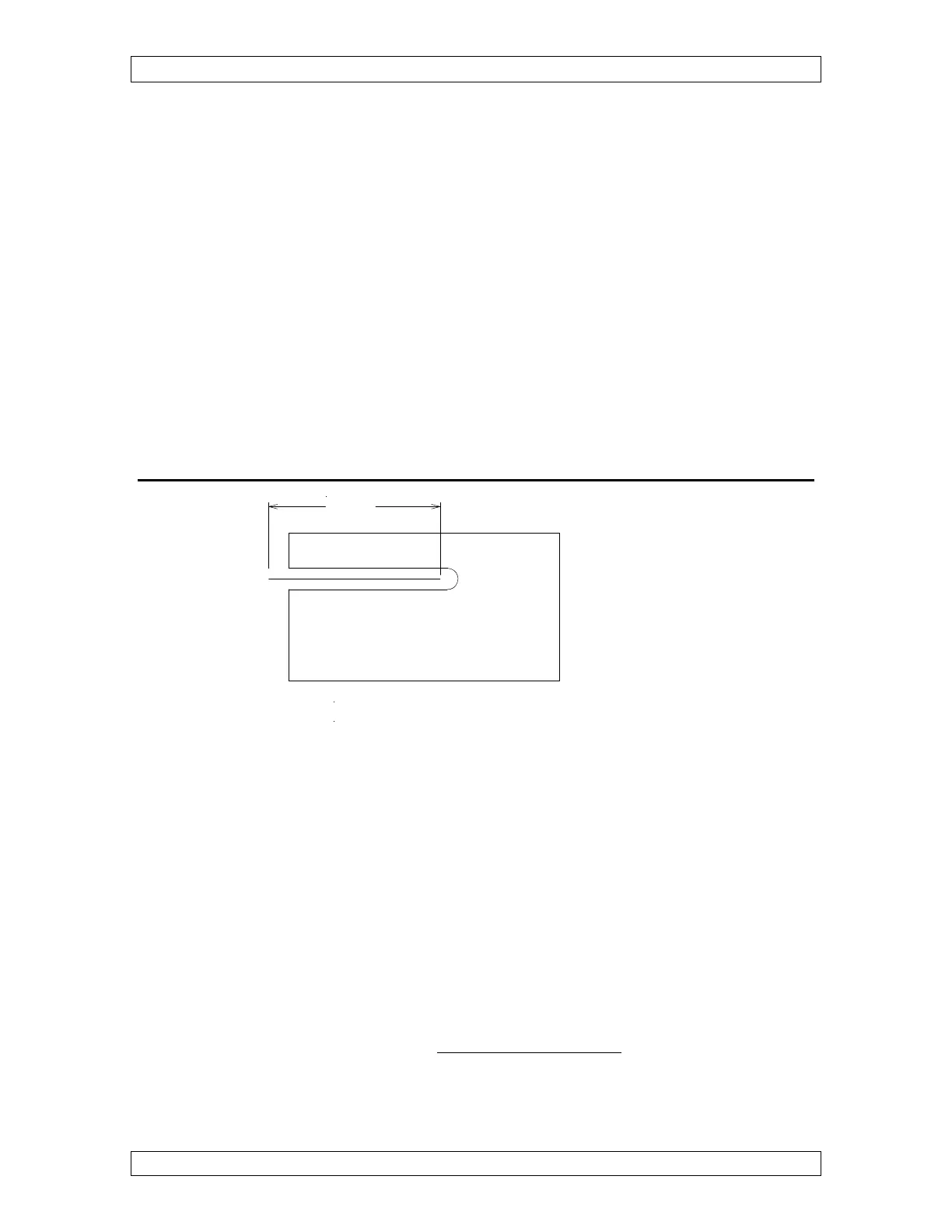
Figure 5-2
The G01 command is used to cut a straight line. Any number of axes can be included in
a G01 command. For example, if you just need to move straight along the X axis, only an
X command is necessary in the G01 command. If you need to make an angular motion in
X and Y, you can include both an X and Y in the G01 command.
The G01 also turns on the machine functions that allow cutting to occur. Here is what
will happen automatically when a G01 is commanded:
1) Worktank fills up (when in submerge mode)
2) Flushing turns on
3) Wire run turns on
4) Electricity to the wire turns on using current cutting condition (C value displayed)
As you can see, the G01 command will actually get the machine ready to cut as well as
make the straight line cutting motion. Graphics will show solid lines.
Example Command
N0150 G01 X 2.000



 To Next Page