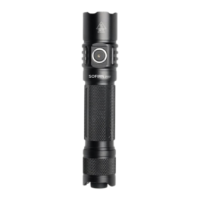
Battery Installation
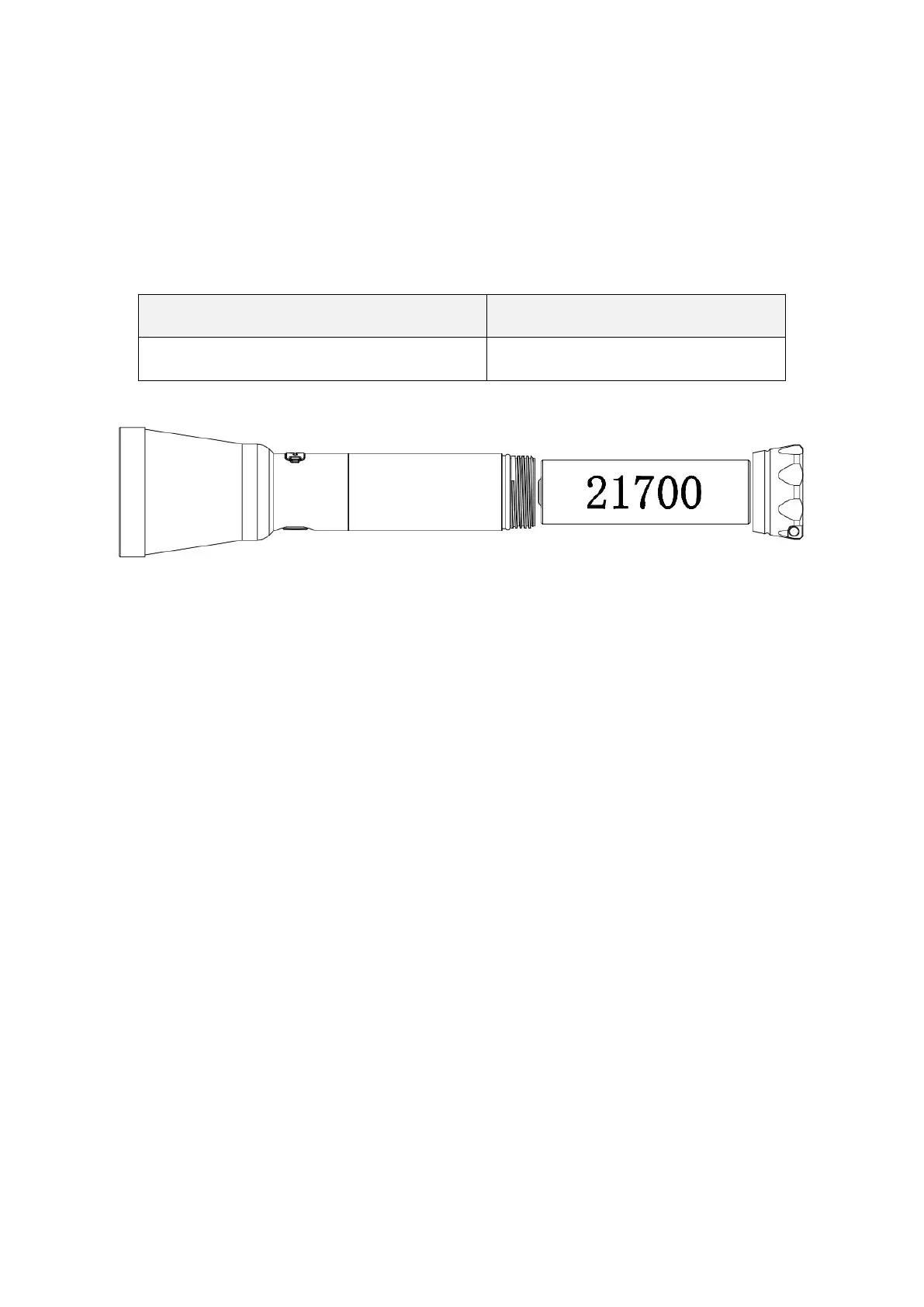
Before first use, please unscrew the tail cap and remove the insulating sticker. If the battery needs to be
replaced, please make sure that the positive end of the new battery faces the light’s head when you put the
battery in.
Battery Specifications
Rechargeable lithium-ion battery
Charging
SC03 features a USB-C charging port for convenient charging. Please connect it with the included USB-A
to USB-C cable and use a USB power adapter (not included). The flashing red indicator means charging,
while the green indicator means charging completed. The brightness of the button indicator will cycle
through low-medium while charging. When the flashlight acts as a portable charger, it does not show any
LED indicator while charging your devices. A flashing Red LED means the battery is low. You can only
use the Low-Medium modes of the light when reverse charging. The brightness of the button indicator
will cycle through low-medium while reverse charging.
Operation Instructions
ON/OFF: Long press the switch to turn the light on or off. When the light is turned on, it will return to
the previously used mode.
CHECK BATTERY POWER: While the light is off, single-click the switch to check the remaining
battery power. Power indicator will turn on for 5 seconds.
SWITCH BETWEEN FRONT LIGHT MODE AND SIDE LIGHT MODE: While the light is on,
double-click the switch to cycle front light mode-side light mode.
CHANGE BRIGHTNESS LEVEL: While the light is on, single-click the switch to cycle
Low-Medium-High-Turbo.



 To Next Page