accidentally be turned on. The resultant heat build-up can cause a fire, burns or
damage the flashlight.
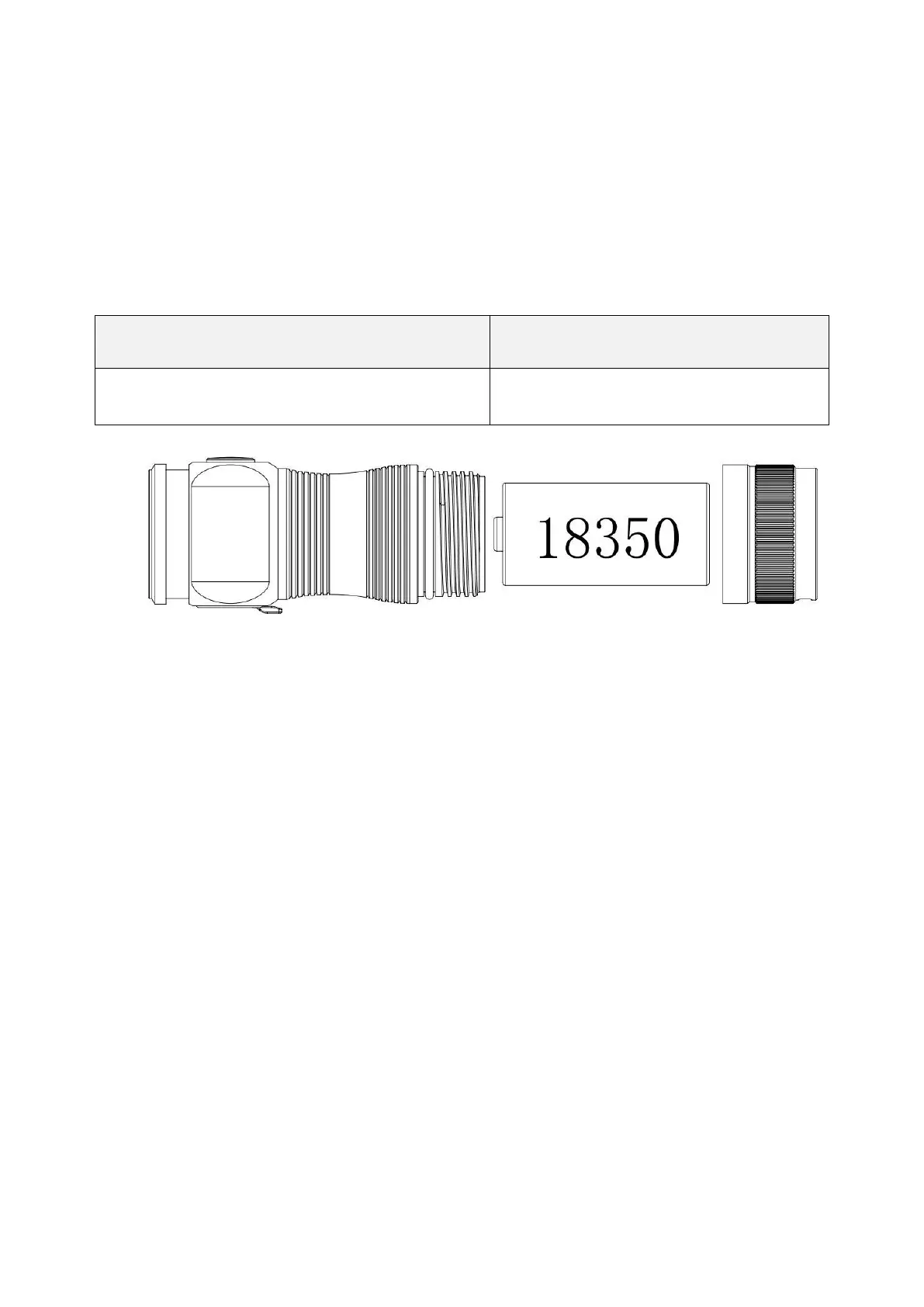
Battery Option
Rechargeable lithium-ion battery
Battery Installation
Before first use, please unscrew the tail cap and remove the insulating paper. If the
battery needs to be replaced, make sure that the positive end of the new battery faces
the flashlight head when you put it in.
Battery Level Indicator
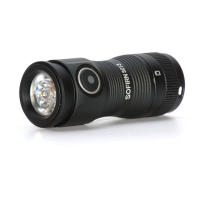
After turning on the SC13, the indicator will display the power status for 5 seconds.
Green Constant On = 70%-100%
Red Constant On = 30%-70%
Red Flashes = 0-30%
Light Indicator When Charging


 To Next Page