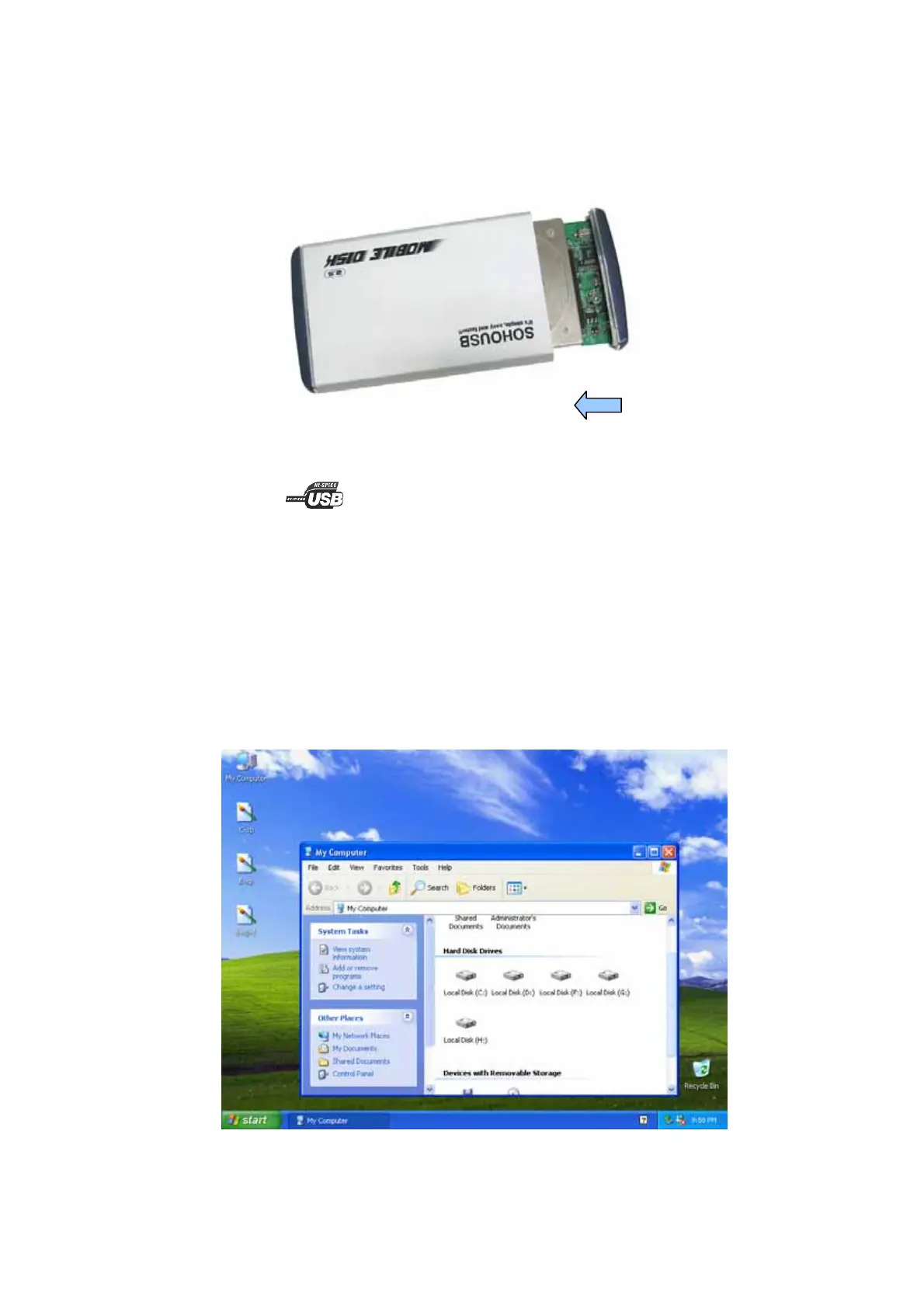
4. Place hard drive back to the aluminum housing
1) Slide the hard drive carefully into the bottom of aluminum housing.
2) Hard drive should be placed in accordance with the picture below.
3) Close the housing and tighten the screws on to the plastic cap.
5. Connect Mobile Disk to your computer
To access with a high-speed performance, we recommend you to connect an USB 2.0 port, which
normally labeled as or USB2.0 beside the USB port.
Start in Windows
®
ME、2000、XP and Mac OS
This Mobile Disk is driver-free for Windows
®
ME、Windows
®
2000、Windows
®
XP and Mac OSX
you do not have to install any driver, just connect device to PC’s USB2.0 port directly. Windows will
detect your Mobile Disk automatically and reveal a new “Removable Disk” or “Local Disk” icon in
“My Computer”.
Note: In windows ME, some system may cause add on USB port unable to detect automatically, to
solve this problem you need to install software driver. Please follow windows 98SE driver
installation in page 5.
- 4 -



 To Next Page