Indicator Description
There is a green status LED on Mobile Disk for diagnosis, it will lights up when this device has been
connected to your computer’s USB port and it will turn off after system has shut down. If data is
transmitting between PC and device, the status LED will start to flash.
WARNING:
If your computer system supports remote wakeup function, it will keep the power alive on
USB port when you had shut down your computer. This will allow your device to standby and
wake your computer up, but it may cause your Mobile Disk to keep the indicator and hard
drive on. In this situation, you should pull out the USB cable to cut the power off. This action
can protect your hard drive from damage.
Safely Remove Mobile Disk
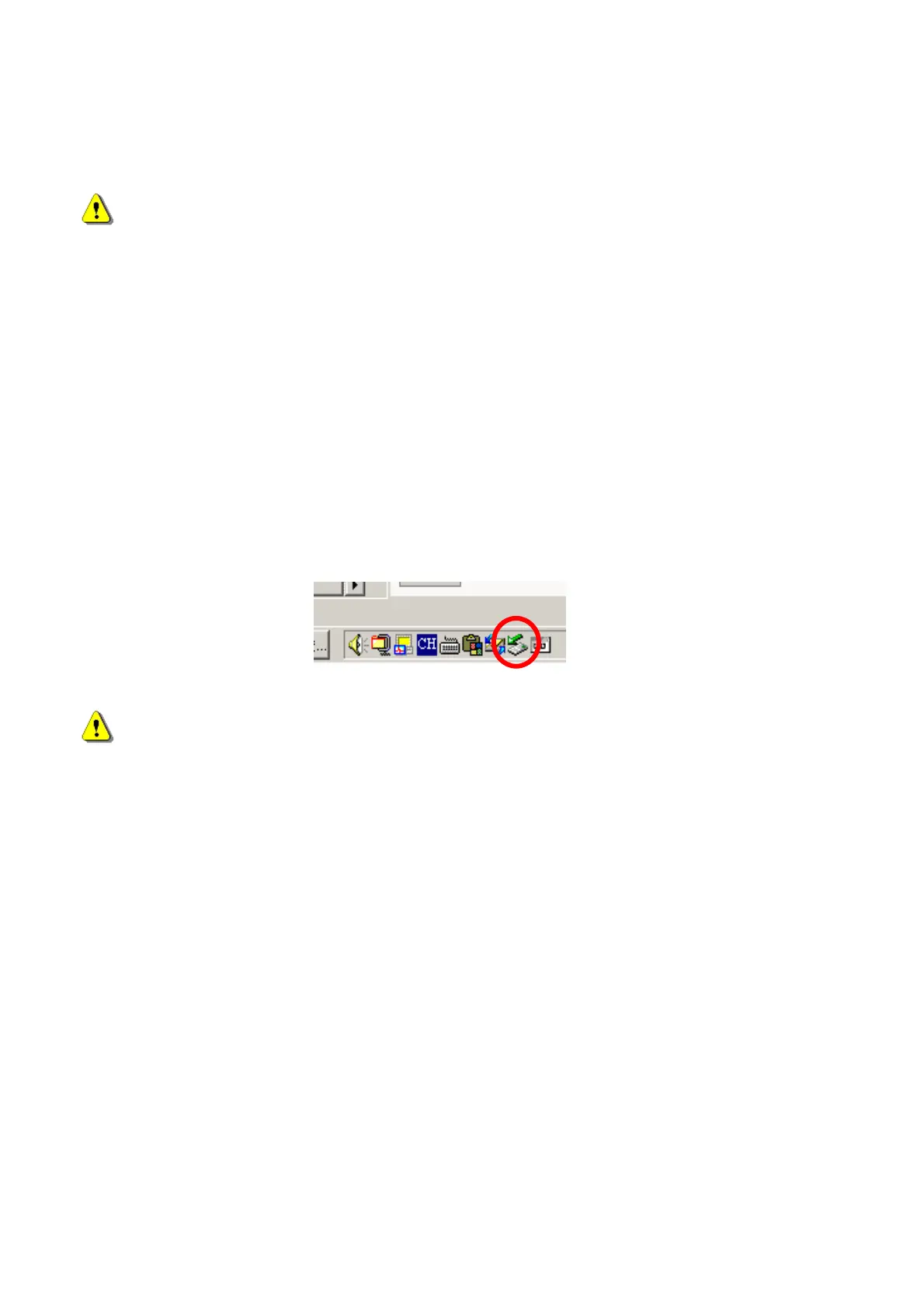
It’s recommended to use the "Removable Device" icon on the taskbar, click to disable the storage
device before unplugging the Mobile Disk.
In Macintosh
®
, you can use “Eject” command to eject this storage device for safe remove.
WARNING:
Please do not remove Mobile Disk while data is transmitting, this may cause your computer
to crash and lost your valuable data.
How to use an auxiliary power cord or power adapter
The Mobile Disk allow you install a 60GB/4200 RPM hard drive or under without any auxiliary
power, but if you use a higher capacity drive that requires power current higher than 500ma limit, it
may cause shortage of power from your USB port and make the device running unstable.
In this situation, there are two solutions to get more power supply for your high-powered hard drive.
One is connecting another twin USB auxiliary power plug to one more free USB port (see the
following photo); another is using auxiliary external self-power adapter.
- 8 -



 To Next Page