07
Chapter Two: Installation and Setup Instructions
2.1.1 Printheads Adjustment
2.1.2 Single Printhead Installation
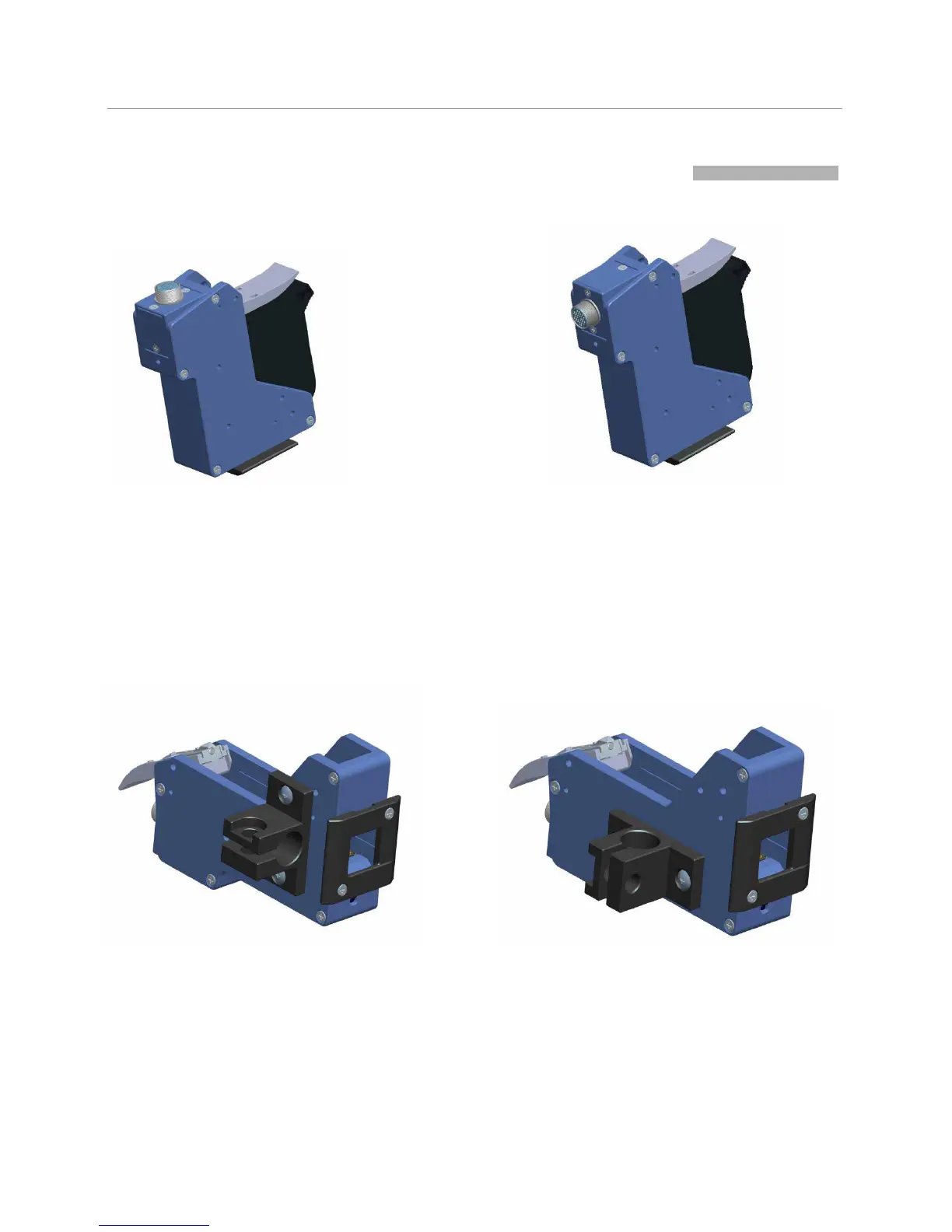
Single Printhead for Side Printing Single Printhead for Down Printing.
2.1 Printheads Adjustment and Installation
Aviation connector default status
Note: for easy operation, installation direction can be
adjusted.
Remove the 3 screws on the connector, take off
the plate, place it into another direction as shown
on the picture, then fasten the screws back.
Connector Adjustment Finish



 To Next Page