22
Solarpower24.it by Barba S.r.l. – via Locchi, 3F – 47122-Forlì – Italia
Tel/What’s up +39 05431995799 – web www.solarpower24.it – email solarpower24@solarpower24.it
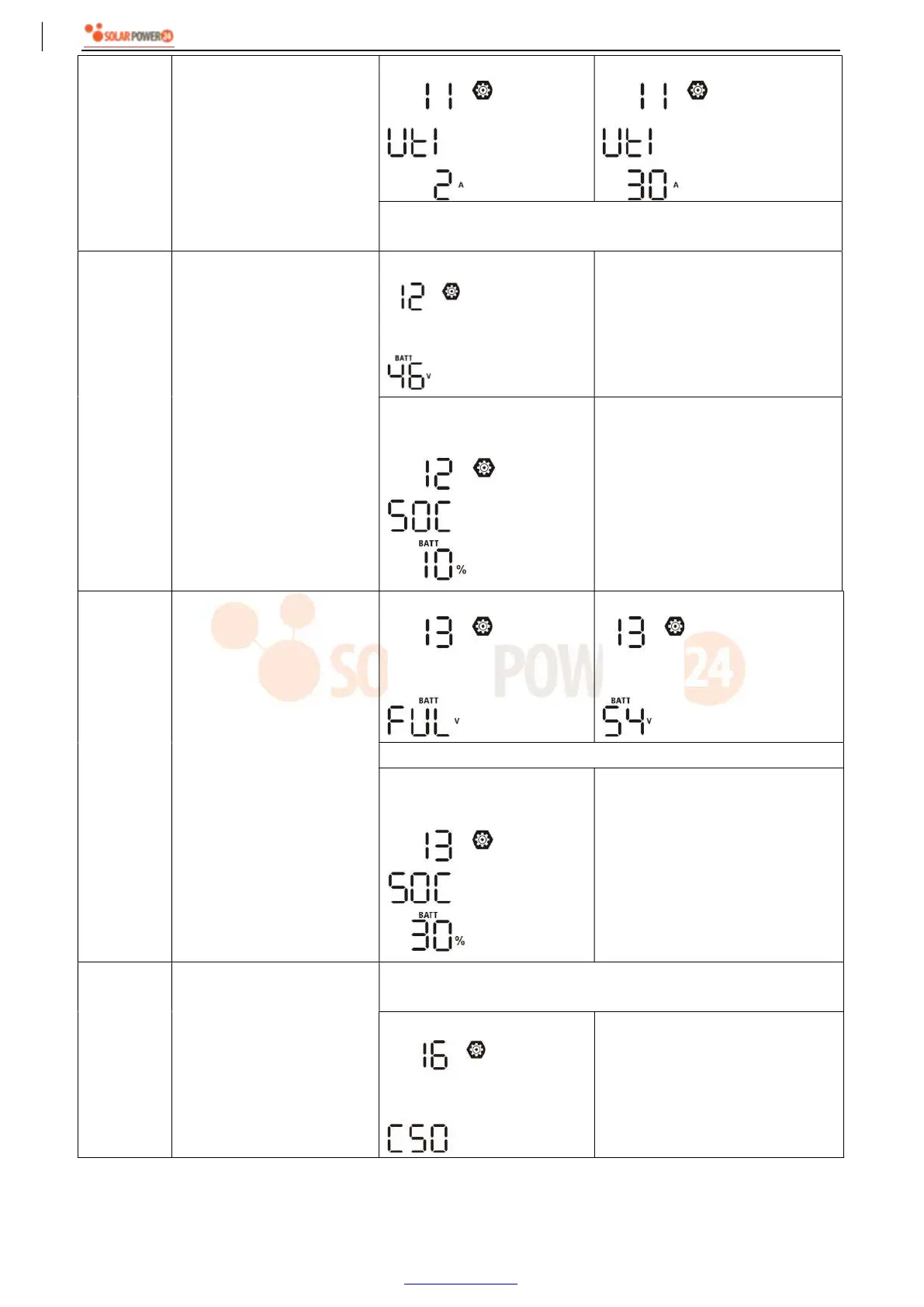
11
Maximum utility charging
current
Note: If setting value in
program 02 is smaller than
that in program in 11, the
inverter will apply charging
current from program 02 for
utility charger.
2A
30A (default)
Setting range is 2A, then from 10A to 120A. Increment of each
click is 10A.
12
Setting voltage point or SOC
percentage back to utility
source when selecting
“SBU” (SBU priority) in
program 01.
46V (default)
Setting range is from 44V to 56V.
Increment of each click is 1V.
SOC 10% (default for
Lithium)
If the battery type (#05) set as
Lithium, this setting will change to
SOC automatically. Adjustable
range is 5% to 95%. Increment of
each click is 5%.
13
Setting voltage point or SOC
percentage back to battery
mode when selecting “SBU”
(SBU priority) in program
01.
Battery fully charged
54V (default)
Setting range is from 48V to 62V. Increment of each click is 1V.
SOC 30% (default for
Lithium)
If any types of lithium battery is
selected in program 05, setting
value will change to SOC
automatically. Setting range is
10% to 100%.
16
Charger source priority:
To configure charger source
priority
If this inverter/charger is working in Line, Standby or Fault mode,
charger source can be programmed as below:
Solar first
Solar energy will charge battery as
first priority.
Utility will charge battery only
when solar energy is not available.



 To Next Page