Possible Causes What to do
Salinity High, too much salt has been
added
Test salt levels in pool water, if high, it is recommended to drain part
of the pool water and refill with fresh water
Low salt levels Manually check the salinity of pool water with a stick. If needed, add
salt according to the salinity table in the manual
Debris in electrical connector of the
cartridge
Disconnect the control box from cartridge and visually inspect the
electrical connector. In case debris has settled there, gently remove
it and re-attach
Worn cell/scale build up
Visually inspect the cartridge to see if blades are dirty or damaged. If
dirty, clean cartridge. Refer to relevant chapter in manual or
appropriate YouTube video
A more profound error occurred
Dismantle the power box and turn on if the System Error LED is not
blinking replace the power box. If it is blinking -
Replace the cartridge, if the problem isn’t resolved - replace the
control box . Refer to relevant YouTube videos
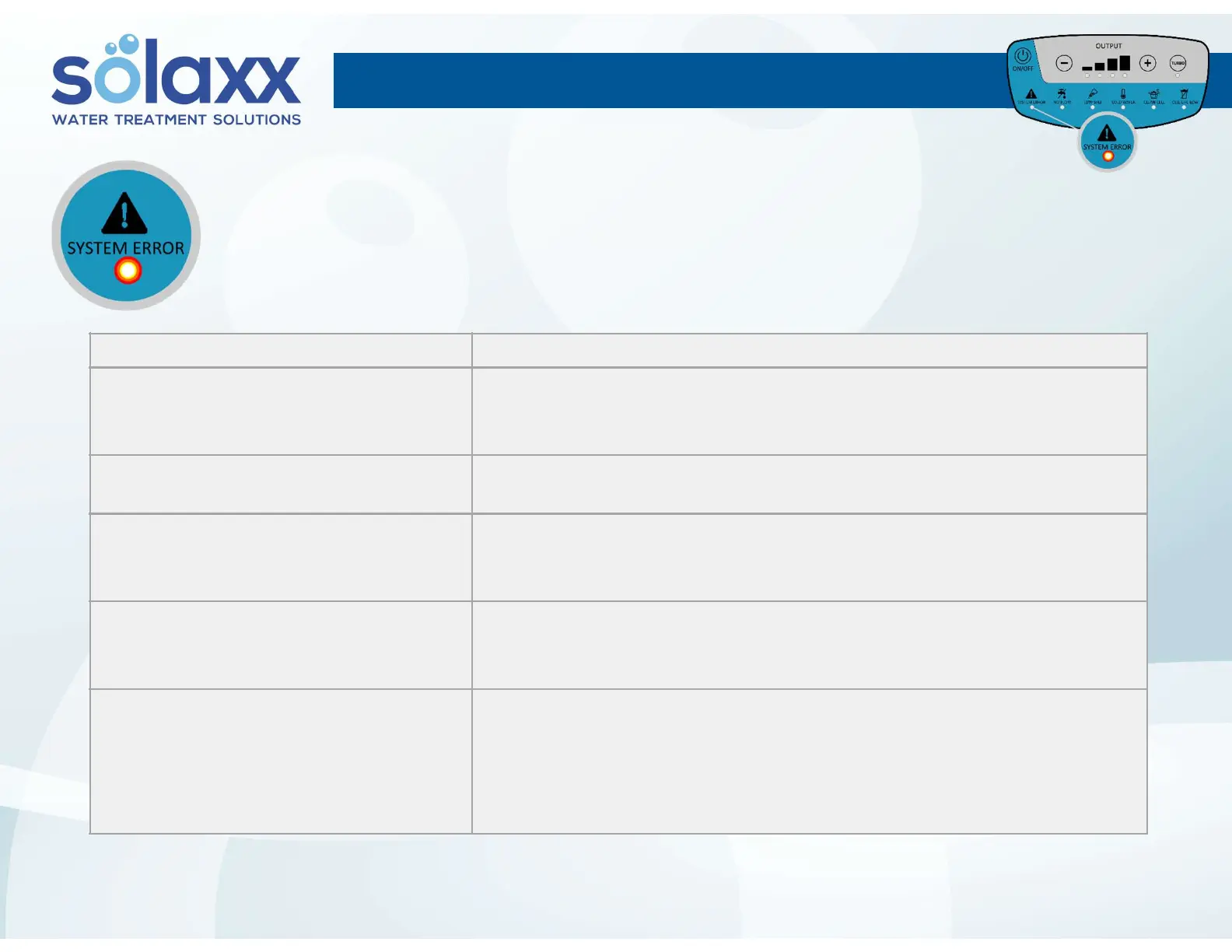
SYSTEM ERROR (constant) LEDSYSTEM ERROR (constant) LED
Turns on when:
The control box can’t deliver power (current) to the cartridge.
11



 To Next Page