17
CALORIE DISPLAY
Displays the cumulative calories burned at any given time during your workout.
and cannot
be used for medical purposes.
There is an Audio Input Jack ( ) on the front of the console and built-in speakers. You may
plug any low-level audio source signal into this port. Audio sources include MP3, Ipod, portable
radio, CD player or even a TV or computer audio signal. There is an audio patch cable included
to and also a headphone jack ( ) for private listening.
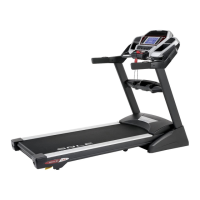
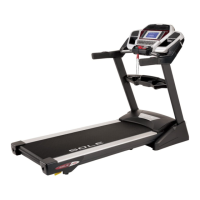
F80 / F83 / F85 TREADMILL
TURNING OFF TREADMILL
1.
that are needed to detect if any key is pressed, indicating the console should “wake up”.
When the console is “asleep” the treadmill draws very little power, about as much as your
2.
switch in the front of the treadmill will completely remove any power.
3. To exit the display mode, for normal operation, press and hold the Stop/Enter/Display keys
for 5 seconds; the display will show Display Mode - ON. Use the speed Up key to change the
setting to OFF then press Enter.
**ATTENTION**
mode, for normal operation, press and hold the Stop, Enter and Display keys for 5 seconds; the
display will show: Display mode - On. Use the Up arrow or Fast
then press Enter.



 To Next Page