Step 4
SENSOR SETTINGS
The SMART-IS has a - S + sensor input where you can plug in a rain sensor or a
flow sensor. Once the sensor connected, it is necessary to set it up in the app.
1.
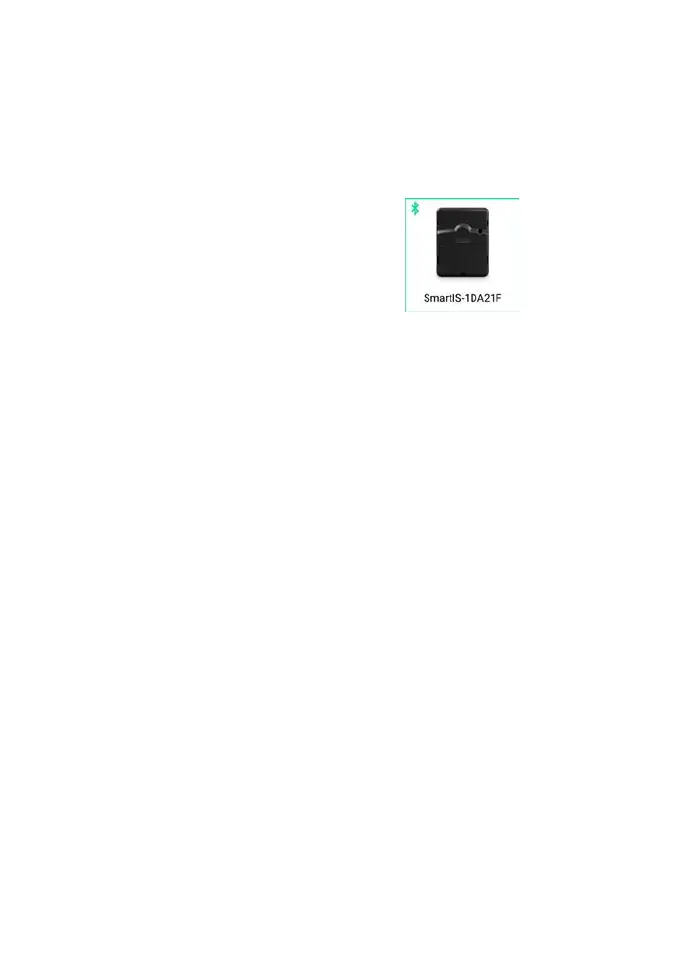
Enter into the SMART-IS.
2.
Tap on
d
Sensor
.
3.
Tap on
g
Setting
.
4.
Select your sensor type.
Step 5
FLOW METER SETTING
1.
Fill the COEFFICIENT «COEFFICIENT» gaps.
COEFFICIENT : your flowmeter conversion factor value expressed in Pulse/ L.
2.
Verify the «Immediate value».
Immediate value: it ensures that the water consumption volume indicated on the
meter is the same volume as witten on the app. If a difference is noted, please verify
the cables (polarity) or adjust the «FACTOR» value.
3.
Fill the following gaps.
High threshold (daily consumption): maximum consumption (in liters) that
you don’t want to surpass in a 24h period. In case of limit exceeded, you will be
instantly alerted (by email and smartphone and/or tablet notifications).
Low threshold (daily consumption): minimum consumption (in liters) that you
want to reach in a 24h period. In case of not achieved goal, you will be alerted the
next day at 7am (by email and smartphone and/or tablet notifications).
Leak alert volume: threshold from where you want to be alerted.
Station’s flow: For each station, please read the meter at moment T (Cpt1), and
then at moment T + 5mn (Cpt2). Calculate (Cpt2 - Cpt1) /5 = > Débit (L /min)
Write the results in the app.


 To Next Page