EasyManua.ls Logo

SOLINTEG M Series - Indicator

SOLINTEG M Series
92 pages
Print Icon
To Next Page IconTo Next Page
To Previous Page IconTo Previous Page
Loading...
11
User Manual
MHT-25~50K series
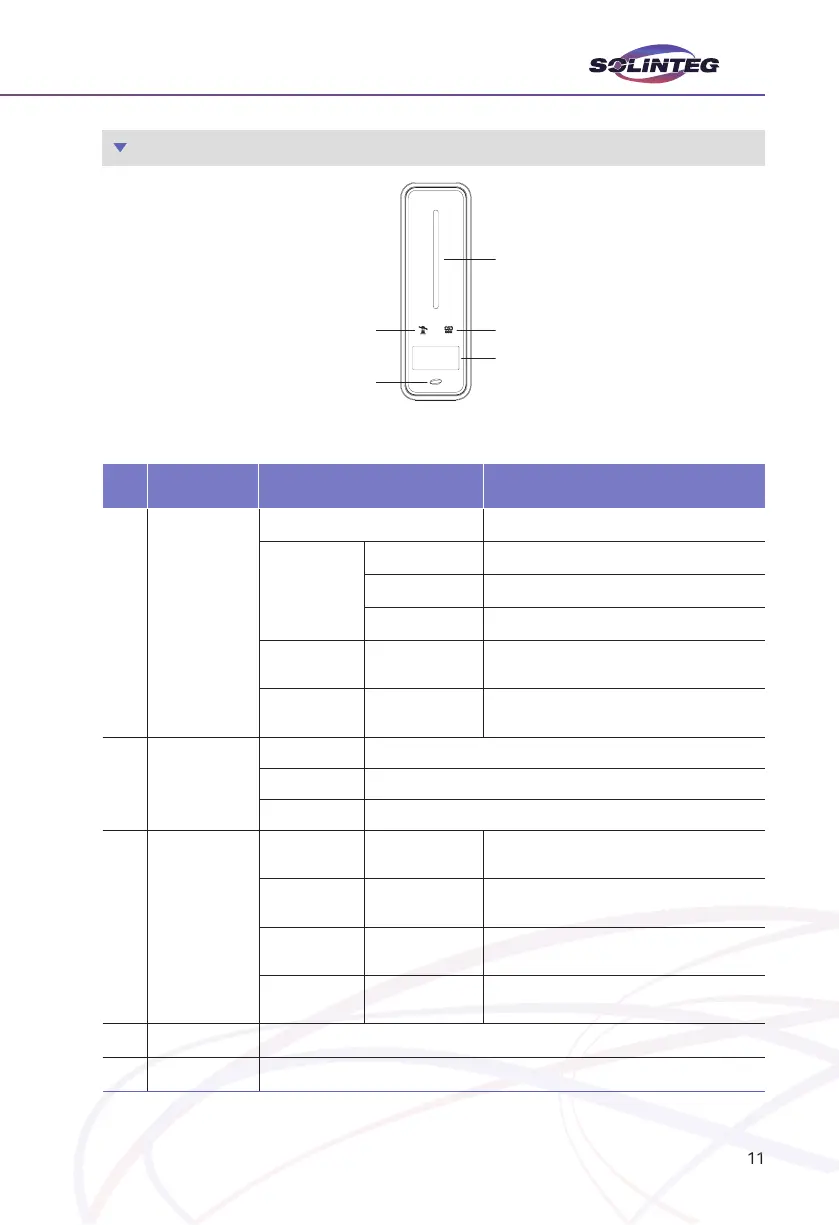
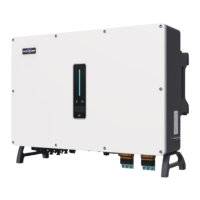
3.2.3 Indicator

Item Indicator Status Description
1

Alarm Indicator
 
.
Blue
 
 
 
Orange 


 
An alarm or fault is detected, view the fault

2

Indicator
 
 
 
3
Communica-
tion Indicator
Green Always on
The inveer communication is running nor-
mally.
Green Flashing
The inveer communicates with EMS or
Master inveer through RS485 or CAN.
Orange Always on
The inveer isn’t communicating with Solin-
teg sma meter.
Red Always on
The inveer isn’t communicating with the
BMS.
4  
Button 
1
32
4
5

Related product manuals