EasyManua.ls Logo

SOLINTEG M Series - User Manual

SOLINTEG M Series
92 pages
Print Icon
To Next Page IconTo Next Page
Loading...
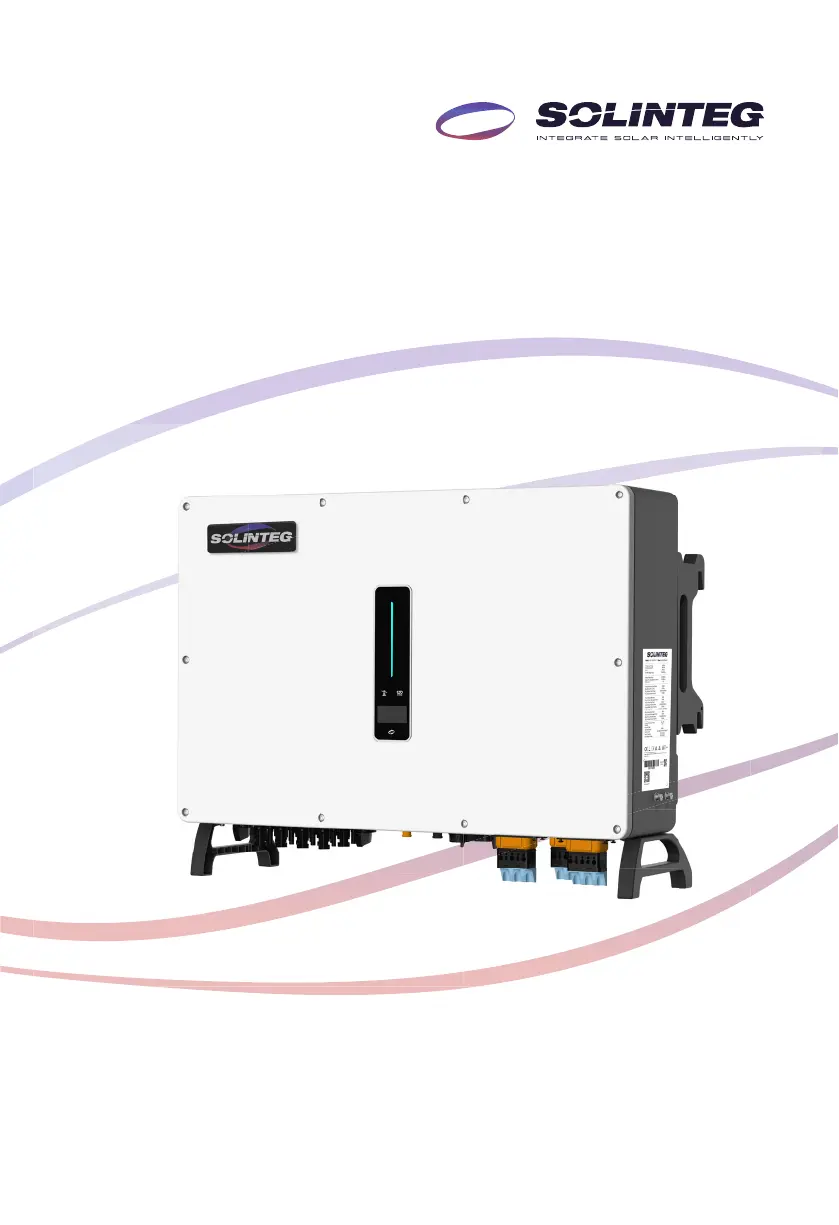
Integ Hybrid Inverter
M
MHT-25/30/36/40/50K-100
MHT-40/50K-100-P
User Manual
ENGLISH VERSION

Questions and Answers

Summary

About This Manual

How To Use This Manual

Guidance on how to read and understand the manual for effective use.

Target Groups

Identifies the intended audience and required skills for users of the manual.

Symbols

Explains the meaning of symbols used to highlight important safety instructions.

Safety Instructions

Safety Notes

Provides crucial safety guidelines and precautions to follow during installation and operation.

Statement

Details circumstances under which the manufacturer disclaims quality assurance for damages.

Product Description

System Introduction

Describes the components and schematic of a typical hybrid solar system.

Product Introduction

Introduces the Solinteg MHT-25~50K series inverter and its purpose.

Models

Lists the available models within the MHT-25~50K series hybrid inverter.

Appearance

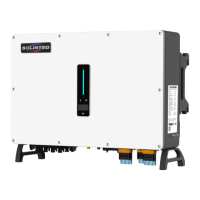
Illustrates the physical appearance of the inverter and identifies its various terminals.

Indicator

Explains the function and status of the inverter's indicators and display interface.

Symbols On the Inverter

Details the various symbols displayed on the inverter and their meanings.

Operation Modes

Peak load Shifting (Load Shifting)

Describes the peak load shifting function for managing power consumption relative to contracted grid power.

UPS Mode

Details the Uninterruptible Power Supply (UPS) mode for backup power during grid failures.

Economic Mode

Explains the economic mode for optimizing battery charge/discharge based on set periods.

Off-grid Mode

Describes the purely off-grid mode for supplying loads when the grid is unavailable.

Back-Up and Off-Grid Output

Unpacking and Storage

Packing List

Lists the accessories included with the inverter package for user verification.

Inverter Storage

Provides guidelines for storing the inverter to maintain its condition and performance.

Installation

Location

Outlines factors to consider when selecting an appropriate installation location for the inverter.

Installation Spacing

Specifies the required clearance around the inverter for adequate heat dissipation.

Installation Angle

Details the permitted and prohibited mounting positions for the inverter installation.

Mounting the Inverter

Bracket Installation

Provides dimensions and steps for installing the inverter's mounting bracket.

Inverter Mounting onto Bracket

Explains the procedure for securely mounting the inverter onto the installed bracket.

External Ground Connection

Describes the process of connecting the inverter to the ground bar for safety.

Electrical Connection

Electrical Connection Safety Precautions

Covers critical safety warnings for AC/DC connections, grounding, and static discharge.

Electrical Wiring Diagram

Presents a schematic showing the wiring structure of the Solinteg MHT 25~50K series hybrid inverter.

Single Inverter Wiring Diagram

Illustrates a standard wiring diagram for a single inverter, with notes on neutral line configuration.

Australia Wiring Diagram

Shows a specific wiring diagram for Australia and New Zealand, detailing neutral line connection rules.

AC Connection

AC Side Requirements

Details requirements for AC connection, including circuit breakers, voltage, and frequency.

Residual Current Monitoring Device

Explains the residual current monitoring device and recommended residual current values for different inverter models.

Installing the AC Connector

Provides safety warnings and step-by-step instructions for installing the AC connector.

Removal the AC Connector

Details the procedure for safely removing the AC connector from the inverter.

Monitoring Device Installation

Meter and CT Connection

Communication Connection

Meter Terminals Definition

Defines the pin assignments and functions for the meter's ACR10R and RMM terminals.

COM3 Port Definition

Details the pin definitions and functions for the COM3 communication port.

COM2 and COM3 Connector Pin Definitions

Lists the pin assignments and functions for the COM2 and COM3 connectors.

Assembling the Multi-com Connector

Details the steps for assembling the multi-communication connectors (COM2 and COM3).

Connect Meter and BMS Communication Cables

Provides instructions for connecting meter and BMS communication cables using RJ45 interface.

Connect Other Cables

Guides the connection of other cables, including wire stripping, housing preparation, and final assembly steps.

Installing the COM Connector

Explains how to install the COM connector into the COM terminal on the inverter.

DRED

DRED Wiring Diagram

Illustrates the wiring diagram for DRED functionality.

DRED Mode Functions

Tabulates the different DRED modes and their corresponding functions.

RCR Interface

RCR Wiring Diagram

Shows the wiring diagram for the RCR functionality.

RCR Operation Modes

Details the RCR operation modes and their corresponding feed-in output power percentages.

Multifunction Relay

Load Control

Illustrates the load control connection diagram using the inverter's multifunction relay.

Generator Control

Parallel System

PV String Connection

PV Side Requirements

Details system layout with external DC switch and requirements for DC switches in Australia/NZ.

Photovoltaic Cable Selection

Specifies cable requirements and stripping length for photovoltaic cables.

Assembling the PV Connector

Provides step-by-step instructions for assembling the PV connector, including crimping and sealing.

Installing the PV Connector

Guides the installation of the PV connector, including DC switch operation and voltage checks.

Power Cable of the Battery Connection

Battery Connection Principles

Lists principles for battery connection, including disconnecting breakers and checking voltage.

Battery Cable Preparation

Guides disassembling the connector, threading cable, and crimping for battery cable connection.

Battery Connector Installation

Ensures correct polarity and voltage for battery connection and proper insertion of connectors.

Commissioning

App Preparation

Instructs on preparing the configuration and monitoring applications before commissioning.

Inspection Before Commissioning

Lists essential checks before starting the inverter for the first time.

Commissioning Procedure

Details the step-by-step procedure for starting up the inverter for initial operation.

Configuration Settings Guidance

Guidance on configuring country code and battery ID settings if the inverter does not work properly.

Auto Test Function

Explains the CT auto test function for detecting installation direction and phase sequence.

SOC Reset Function

Describes the SOC reset function for battery calibration during initial startup or system use.

Stop the Inverter

Operation

Main Window

Explains the main interface displayed on the OLED screen and how to navigate it.

General Setting

Details the menu structure and options for general settings like System Info, DHCP, and Language.

Advanced Setting

Details advanced settings options for inverter configuration, including safety, battery, and work modes.

Country Code (Safety Code) Setting

Explains how to set the country code (Safety code) within the Advanced Settings menu.

Auto-Test

Describes the auto-test function, its activation, and result interpretation, particularly for Italy.

Reactive Power

Qt Mode

Details the Qt mode for reactive power regulation, where system reactive power is fixed.

Q(P) Mode

Explains the Q(P) mode where inverter output PF varies with output power.

Q(U) Mode

Describes the Q(U) mode where reactive power output changes in response to grid voltage.

Monitoring

Monitoring Device

Details the monitoring device, its indicators, and button functions for status and reset.

Cloud Monitoring App

Explains how to use the Cloud monitoring app to collect and transmit inverter data.

Local Configuration App

Describes the Local configuration app for quick setup of inverter features via direct connection.

Troubleshooting

Error Message

Lists common error messages displayed by the inverter and their corresponding troubleshooting solutions.

Inverter Maintenance

Inverter Maintenance Safety Precautions

Covers safety warnings, prohibitions, and reminders for performing inverter maintenance.

Battery Maintenance

Provides guidelines for battery installation, maintenance, and safety precautions.

Appendix

Technical Parameters

Lists the technical specifications and parameters for various inverter models.

Contact Information

SOLINTEG M Series Specifications

General IconGeneral
BrandSOLINTEG
ModelM Series
CategoryInverter
LanguageEnglish

Related product manuals