161
E
A LIFETIME OF EXPERIMENTATION
STEP 9 – EMPTYING THE PORTAFILTER
• Remove the portafilter from the group head by
rotating the portafilter to the left until it releases.
• To empty the used coffee grounds, turn the
portafilter upside down in a bin and gently
knock out the coffee (used coffee grounds
should be thrown away with domestic waste
and not down the sink which may block drains).
• With the filter basket still locked in place, hold
the portafilter underneath the group head,
press and hold down the one cup button
to release hot water. Rinse the portafilter until
water runs clear.
• Insert the portafilter back into the group head to
dry out and keep warm.
MANUAL ESPRESSO
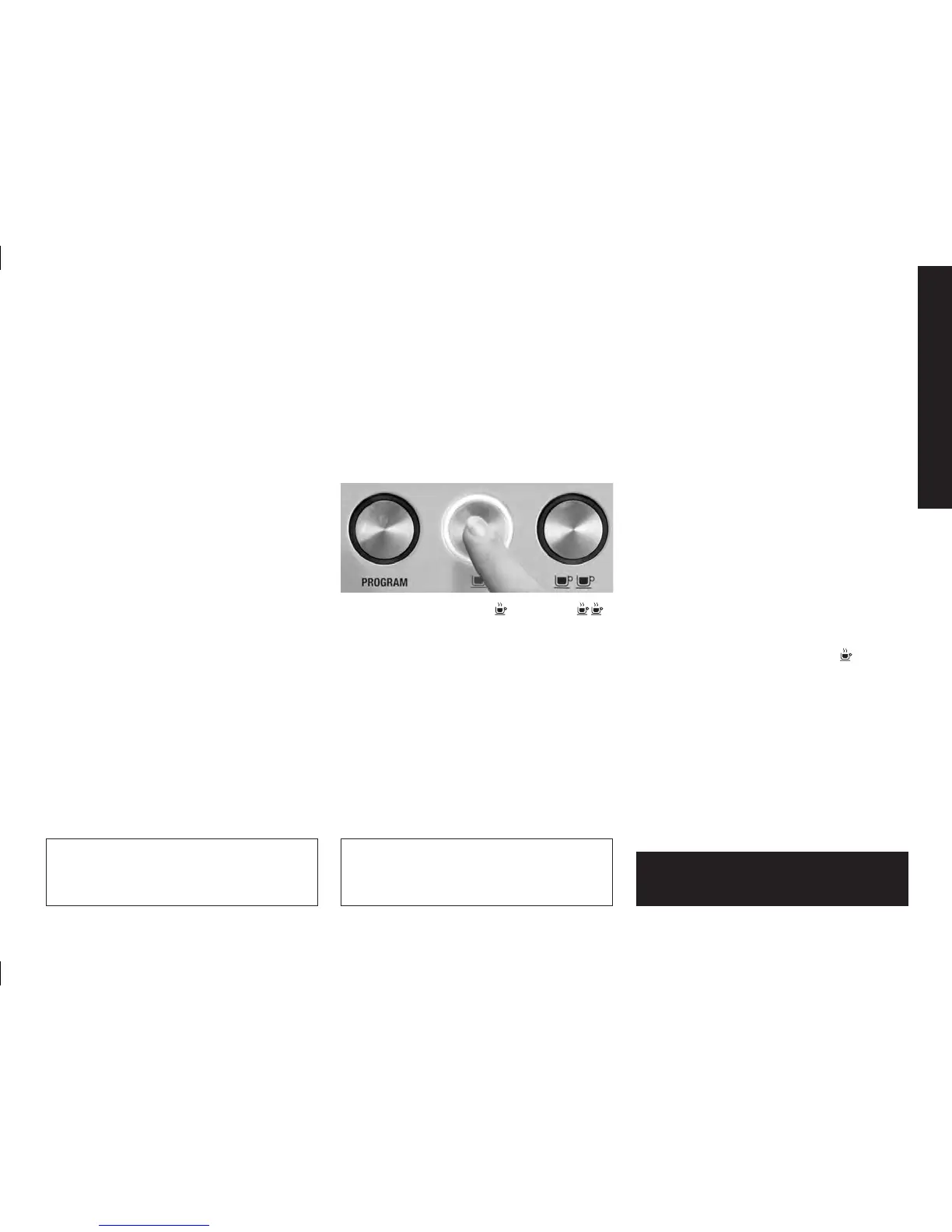
Press and hold the one cup or two cup
button. Release the button once sufficient coffee
has flowed into the cup.
NOTE:
When using the manual function refer to the
Espresso Pressure Gauge section on pages 129
and 130 to ensure ideal extraction is obtained.
WARNING:
THE METAL PARTS OF THE
PORTAFILTER WILL BE VERY HOT.
RESETTING DEFAULT VOLUMES
To reset the machine to the default one and two
cup pour quantities, press and hold the program
button, until the machine beeps three times.
Release button. This indicates the machine has
returned to its original default settings.
NOTE:
Default settings: one cup pour is approxi-
mately 30 ml. Two cups is approximately
60 ml.
Solis_BaristaPro-Betriebsanleitung-eng.indd 161 18.02.14 15:04




 To Next Page