10
6. How to use the Geotagger Pro
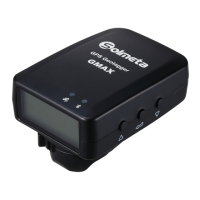
Connect the Geotagger Pro to camera
1. Turn the camera off, turn the Geotagger Pro off
2. Mount the Geotagger Pro onto the flash shoe or attach the Pro on the camera strap with the supplied
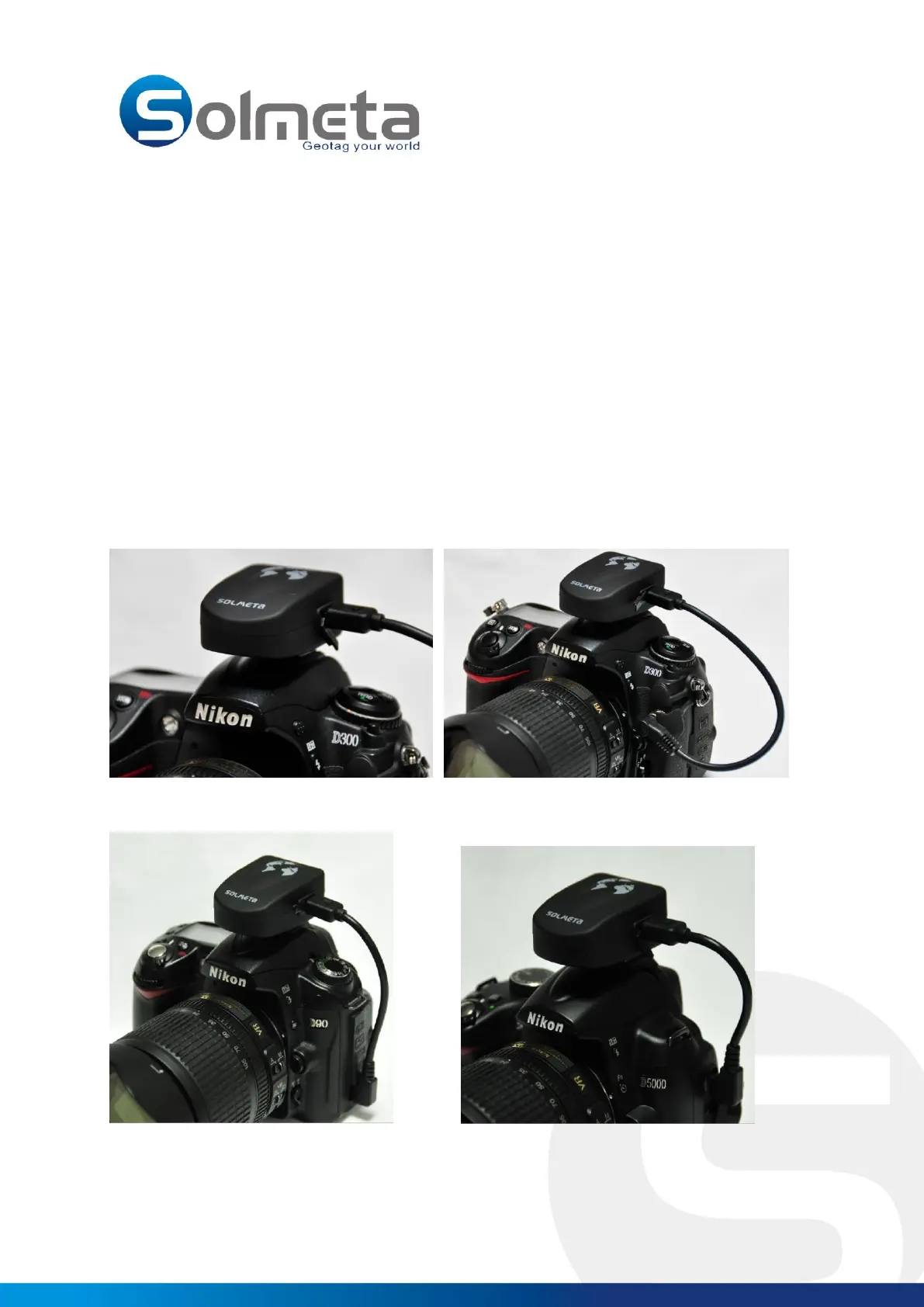
strap fastener. Connect the Geotagger Pro to the camera by the data cable ( The pictures below are with
different model Nikon camera)
A300 cable for connection to Nikon D3X, D3S, D3, D700, D300S, D300, D200, D2/x/xs/Hs
CA90 cable for connection to Nikon D90
CA5000 cable for connection to Nikon D5000
Mount the Geotagger Pro onto the flash shoe
Slide the Pro onto the hot shoe The Pro connected to Nikon D300
The Pro connected to Nikon D90 The Pro connected to Nikon D5000



 To Next Page