7
Geolocation (via GPS)
Quick Start Guide
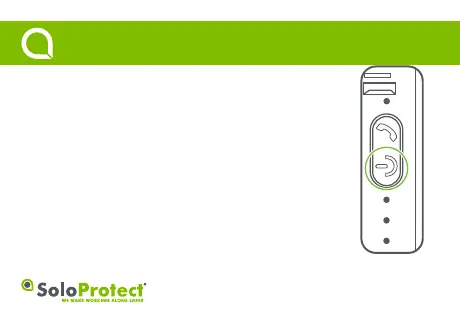
Function: In conjuncon with ‘Device Check’, use to update your locaon.
How to use: Perform a quick press of the highlighted power buon to iniate a ‘Device Check’
(Please note, holding the buon down will turn the device off).
Geolocation: A flashing blue LED indicates a locaon fix has been successful. A solid blue LED
indicates a locaon fix has not been successful.
• Please note, all LEDs will go out aer a period of inacvity.



 To Next Page