5
Red Alert
Quick Start Guide
Function: Use ‘Red Alert’ any me you feel your personal safety is being
compromised*.
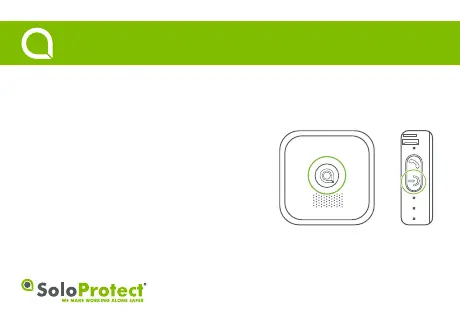
How to use: Press the highlighted buon for a minimum of three seconds
to acvate a ‘Red Alert’. The device will give three short vibraons to indicate
the ‘Red Alert’ buon press was accepted.
The device will then emit two vibraons once the call is connected.
Every ten seconds the device will vibrate twice in combinaon with the red
LED flashing twice to indicate the alarm is in process. To cancel a ‘Red Alert’,
first advise the Alarm Receiving Centre you are safe, before pressing the
Power buon for a minimum of three seconds.
* Check with your employer regarding the exact set up of ‘Red Alert’.
Red Alert buon Power buon



 To Next Page