Essential Care and Maintenance
• Regularly use the ‘Device Check’ funcon. It will display two alternang red flashing lights if there is a problem.
• Leave regular ‘Amber Alert’ messages.
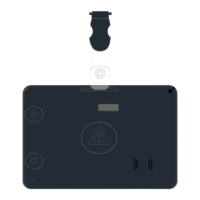
• Keep your SoloProtect ID clean and avoid unnecessary knocks or drops.
• SoloProtect ID is not waterproof; avoid exposure to rain or other wet condions.
• If you wear your SoloProtect ID on a lanyard, remember to check the lanyard plug regularly and replace it whenever it
becomes damaged.
• Charge your SoloProtect ID every 24 hours if possible.
Quick Start Guide


 To Next Page