5
Red Alert
Quick Start Guide
Function:
Use ‘Red Alert’ any me you feel your personal safety is being
compromised*.
How to use:
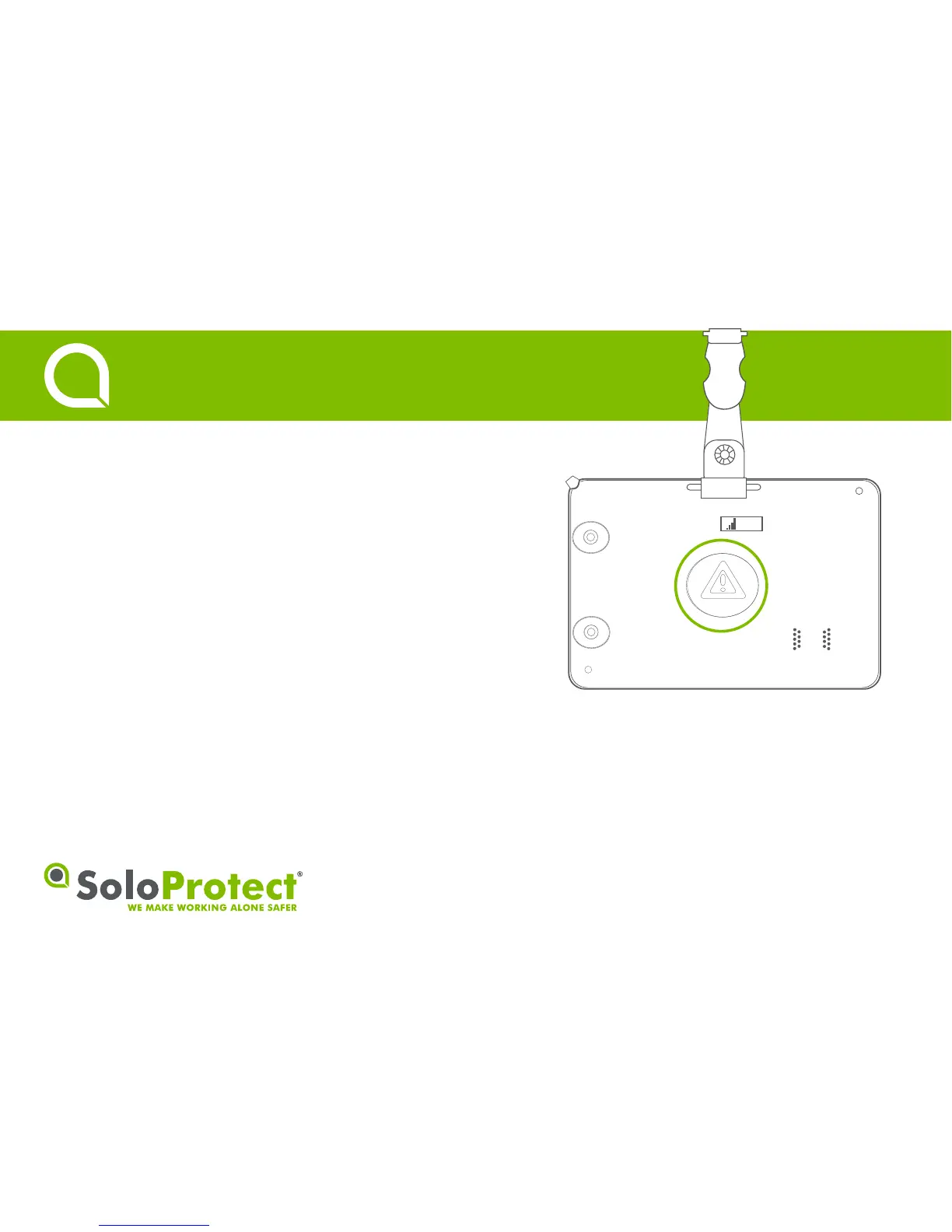
Press the highlighted buon for two seconds unl you feel three short
vibraons and the alert symbol is shown. This will mean the ‘Red Alert’
has been acvated and the call is connected. To cancel a ‘Red Alert’,
advise the Alarm Receiving Centre you are safe before pressing the
buon again unl you feel two longer vibraons.
* Check with your employer regarding the exact set up of ‘Red Alert’.


 To Next Page