Quick Start Guide
9
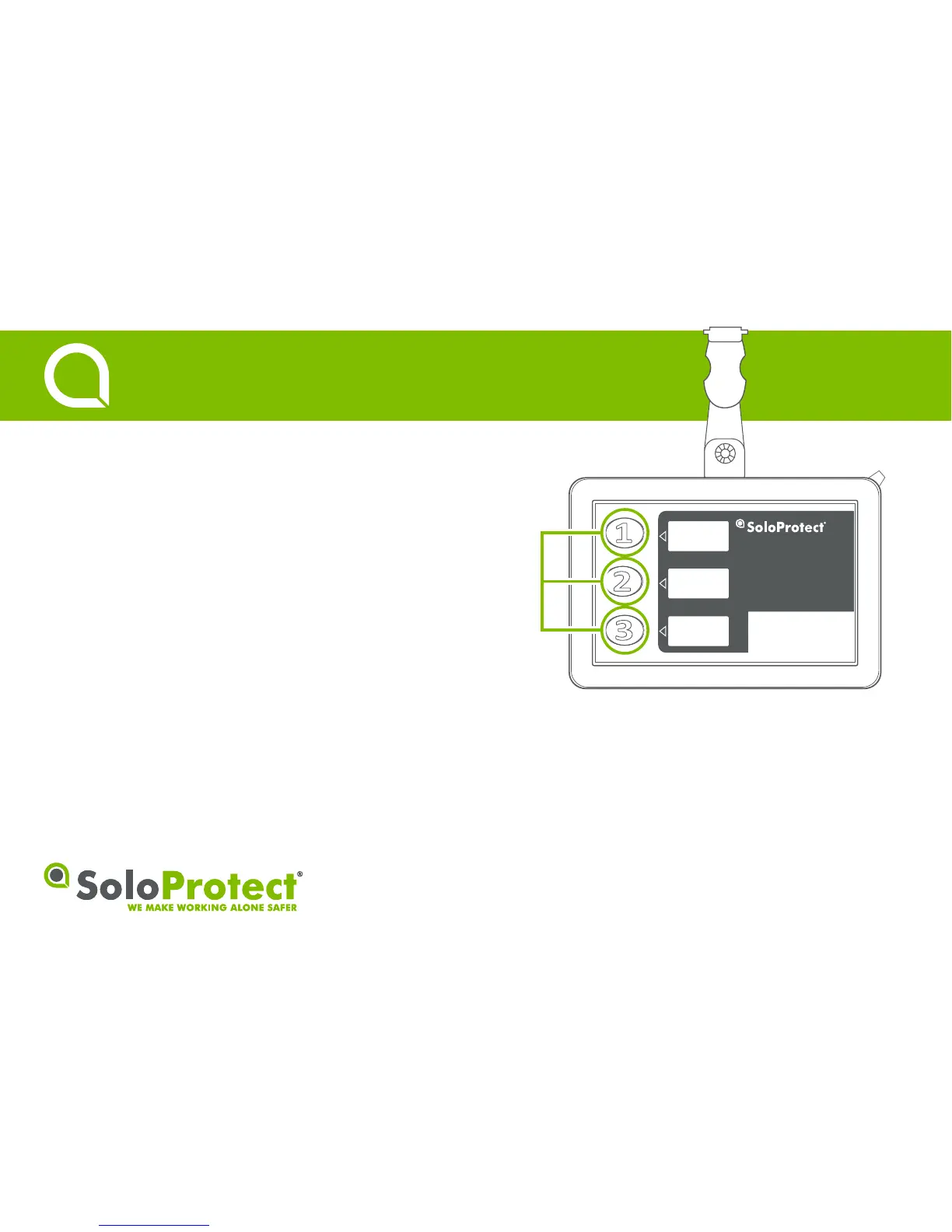
Multi-Function Buttons
Quick Start Guide
Function:
Each buon can be defined to make an audio call or to trigger an SMS
text message to a pre-defined contact*.
How to use:
Press one of the highlighted buons, specific to each contact to call or
trigger an SMS text*. The blue LED will flash during a call. Press the
buon again to cancel the call.
• ‘Mul-Funcon Buons’ are not for use in an alarm situaon.
* Check with your employer regarding the exact set up.


 To Next Page