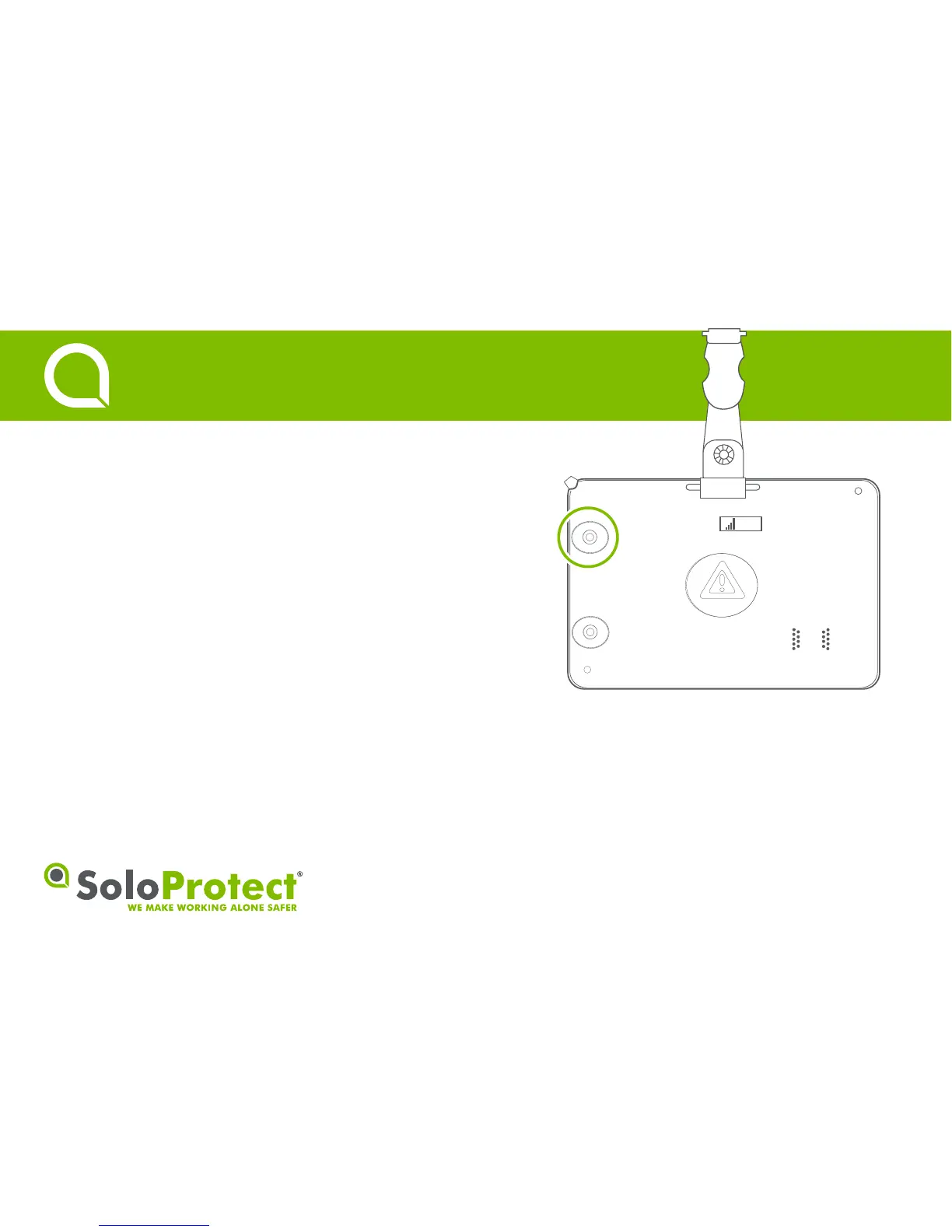
Function:
Check network coverage and baery strength before working alone.
How to use:
Press the highlighted buon for two seconds to iniate a ‘Device Check’.
The LED lights and display symbols will flash red before seling on green,
amber or red to indicate network coverage and baery strength (can take
up to 20 seconds).
Once complete, the device will obtain a Geolocaon fix denoted by a
symbol on the display, and blue, flashing LEDs. See secon 8 for more
informaon.
• Do not rely on SoloProtect ID if either baery or signal displays red.
3
Device Check
Quick Start Guide


 To Next Page