Function:
Keeps the SoloProtect ID baery fully charged.
How to use:
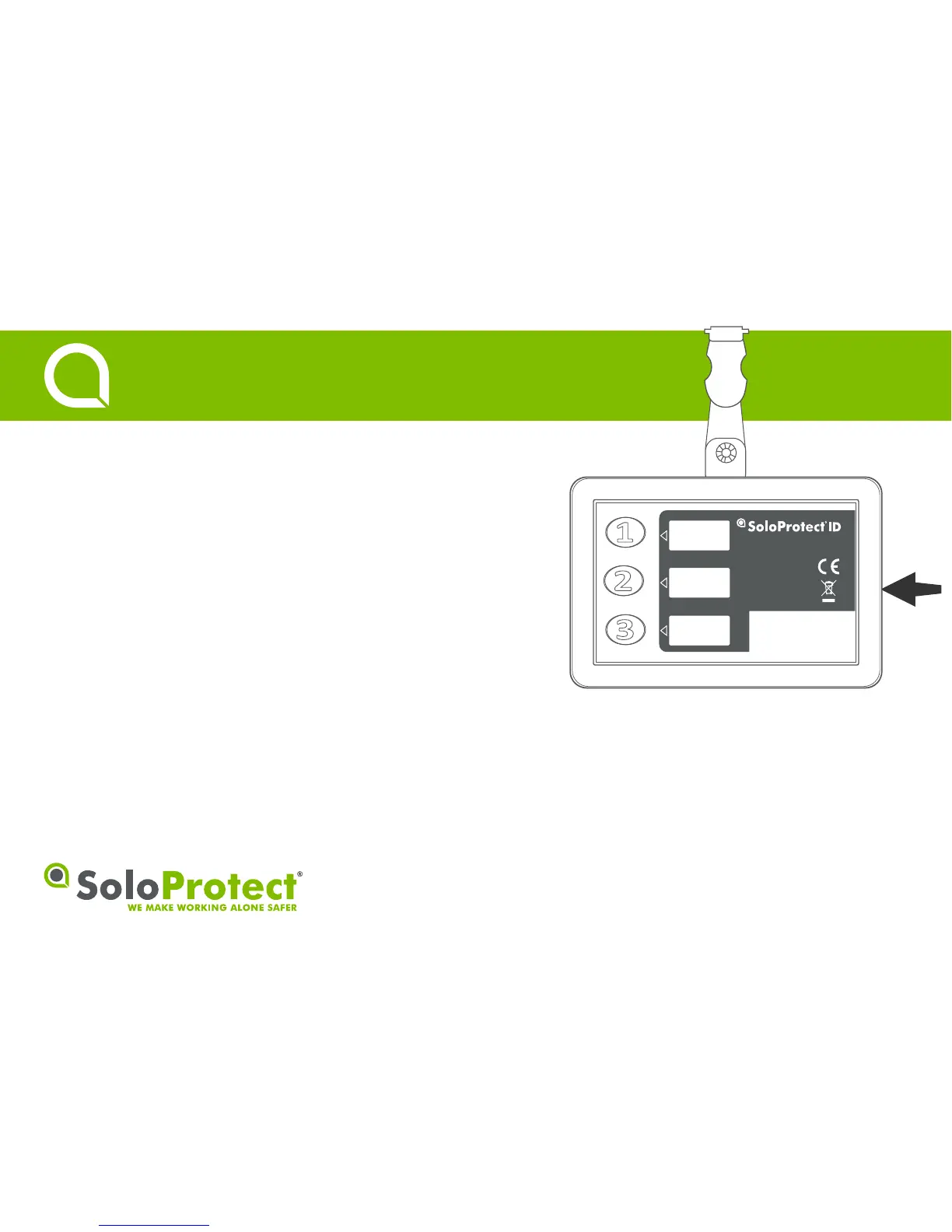
Insert the SoloProtect ID charger lead into the indicated Micro USB
socket. The baery symbol and LED will start to flash. When fully
charged the baery symbol will show full and the LED will display a
constant green light.
• Minimum two hours charging required to reach full charge.
• Placing on charge will disable funcons on the unit.
1
Charging
Quick Start Guide


 To Next Page