Locking Out Programmed Operation
7
Locking Out All Operations
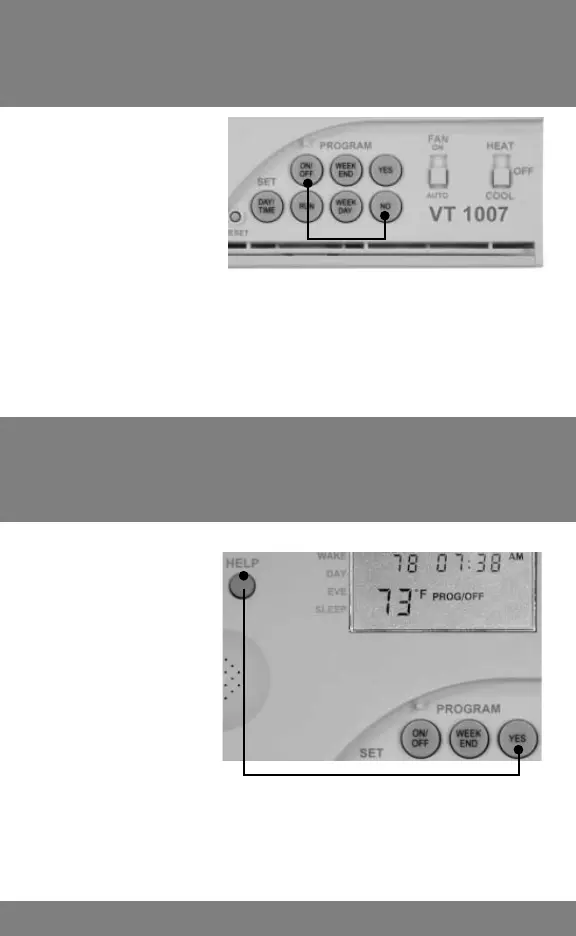
Lock out
prevents users
from accidentally
running
programmable
operation. Press
Full lock
out prevents
unauthorized
users from
making changes.
Press and hold
YES and HELP
keys until you
hear “OFF”.
and hold NO and ON/OFF keys for 6 seconds.
Audio plays “OFF” when any program button is
pressed. To unlock, repeat same.
Locks out all functions except the REPORT
and HELP keys. To unlock, repeat same until
you hear “O”.



 To Next Page