Version 1
11
Sonatest Wave - Quick Start Guide
6 Sizing
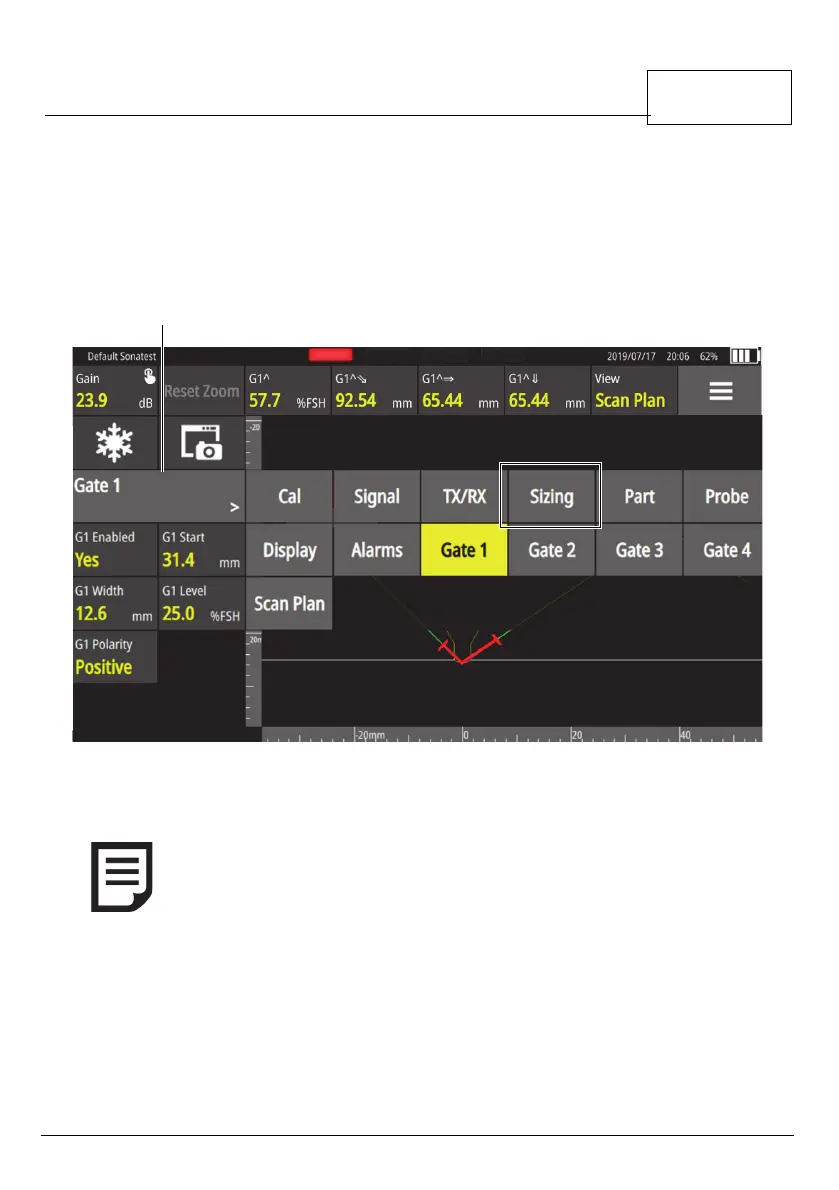
To help you size defects, use one of the sizing methods. These can be
selected from the Sizing menu item.
Figure 9 - Sizing button
For example, to create a DAC:
1 On a calibration block, find the first echo.
2Tap Add Point.
NOTE: You must have a selected and loaded DGS probe to produce a
DGS curve.



 To Next Page