Version 1
8
Sonatest Wave - Quick Start Guide
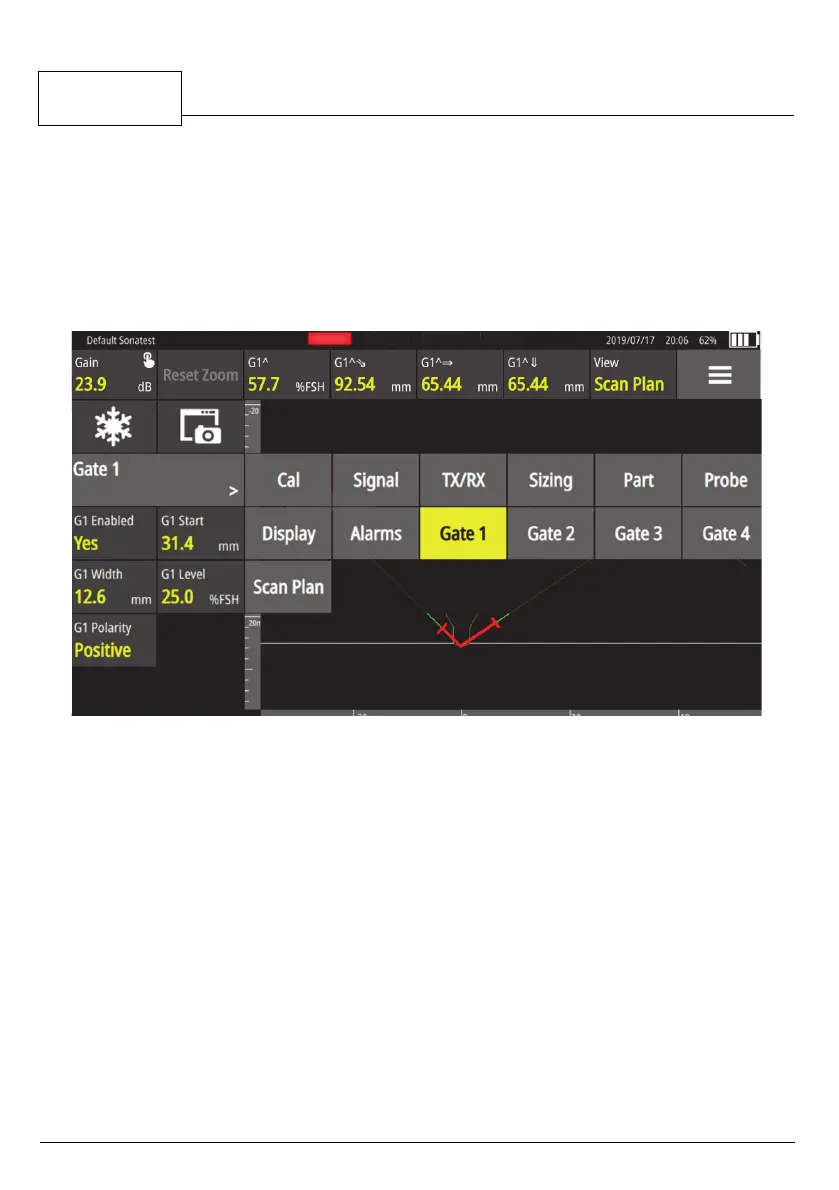
Menu items
Is where you can navigate through the unit.
All menus parameters are grouped under the menu items. You can move
around in menu items by touching the displayed menu item and selecting
another one in the list.
Figure 6 - Wave menu items
4 Gates and Measurements
This section shows you how to use the gates.
To move a gate, tap it and move it vertically or
horizontally only. You can also
drag the gate on screen to move it in either direction.
To add a gate, select the corresponding gate menu item in order to have access
to the gate enabled parameter. You can use up to four gates. To delete a gate,
tap the specific gate and set the Gate Enabled to False.



 To Next Page