Version 1
9
Sonatest Wave - Quick Start Guide
To access the full screen mode, tap the toolbar menu item (op right). Tap
Full Screen to switch mode.
5 Views
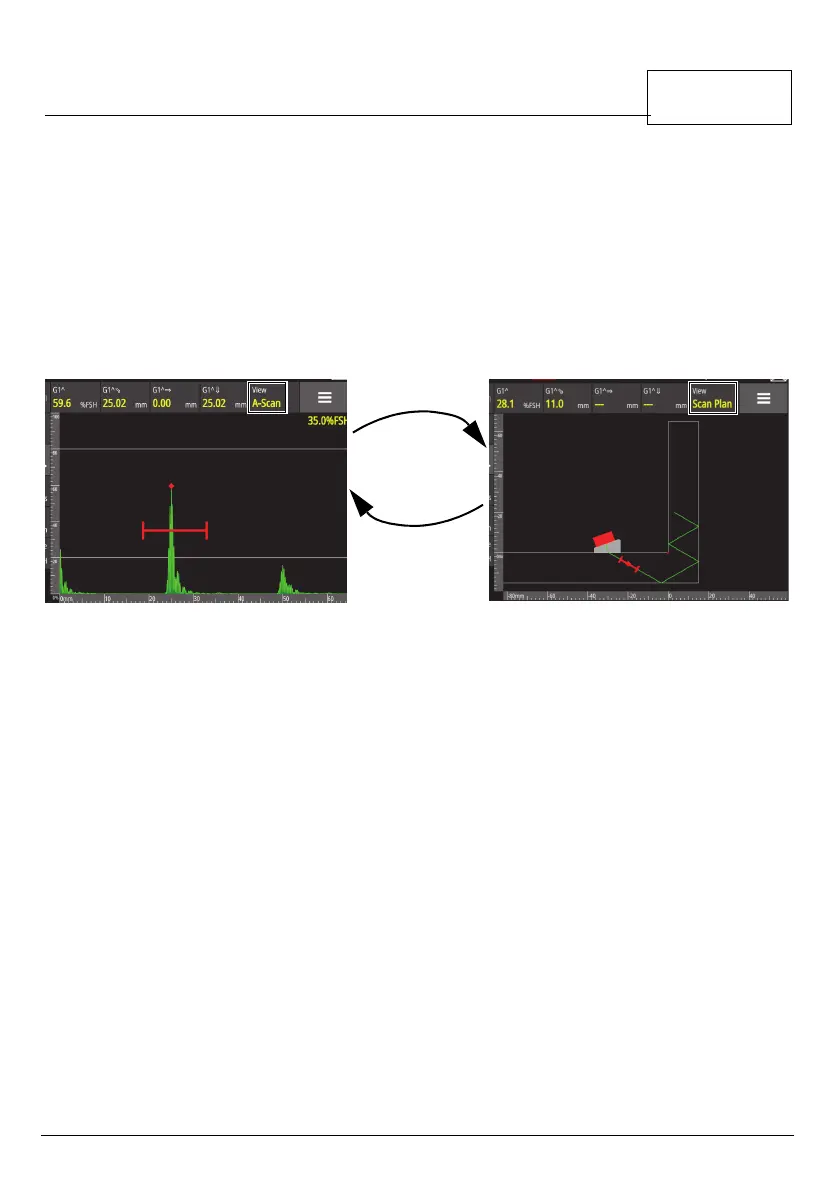
Only the View button allows you to switch from the A-Scan (a representation of
the A-scan), and the Scan Plan (the part and the probe).
Figure 1-7 A-scan to scan plan
To add the A-Scan signal in the scan plan view, select the scan plan menu to
access the signal visible.
The Part view (the part itself) can only be accessed from the Part menu.
On the menu items on the left, in the list, select part. Tap the part
characteristics and tap Next to continue.
When defining the part, it is shown in the main view, in the same area where the
A-Scan or the scan plan are usually displayed.



 To Next Page