Version 1
6
Sonatest Wave - Quick Start Guide
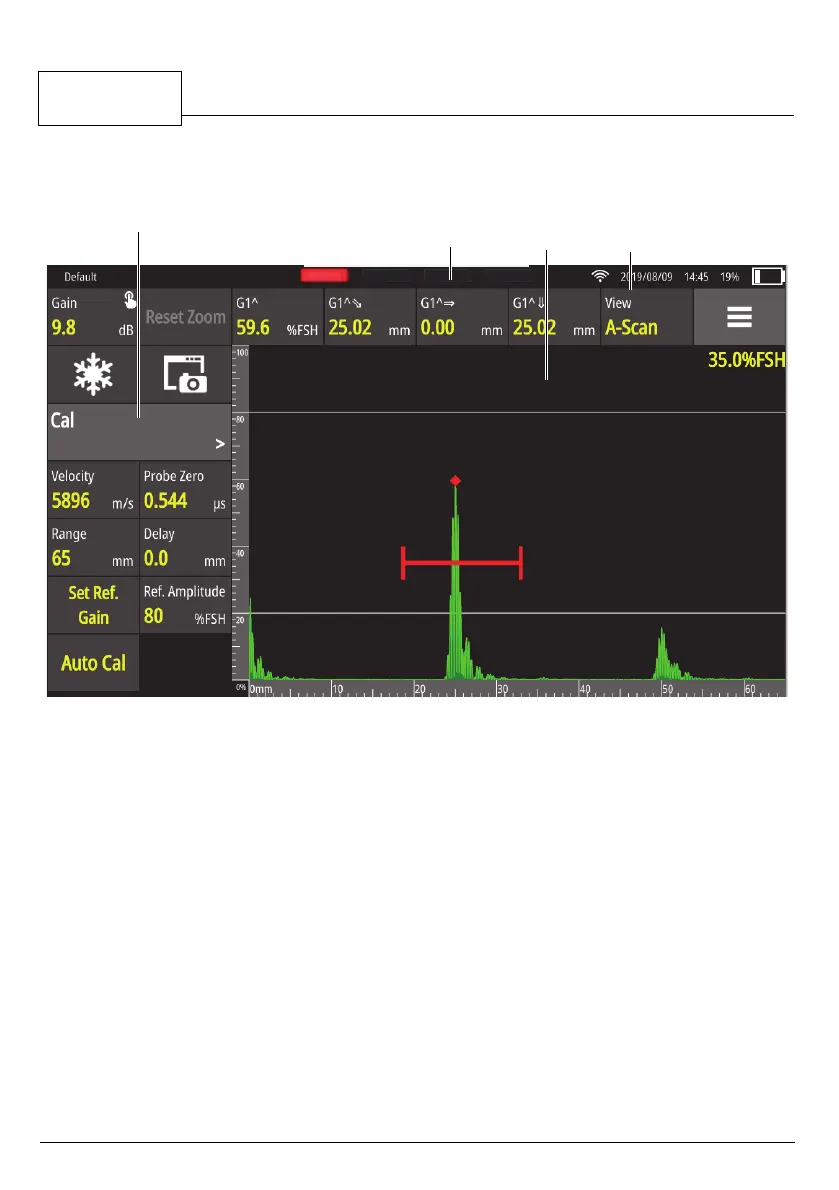
The main window prov
ides access to all the functions needed to configure and
operate the unit.
Figure 4 - Main window elements
Menu items
The list of available functions.
Measurement bar
Shows the actual measurements.
To change the measurement type, tap a measurement and a list of
measurements opens.
Views A-scan/Scan Plan
Tapping this button toggles between the A-Scan and the Scan Plan
view.
Measurement
bar
A-scan
view
Menu items Views A-scan/
Scan Plan



 To Next Page