SETTINGS
4
SAVE MENU
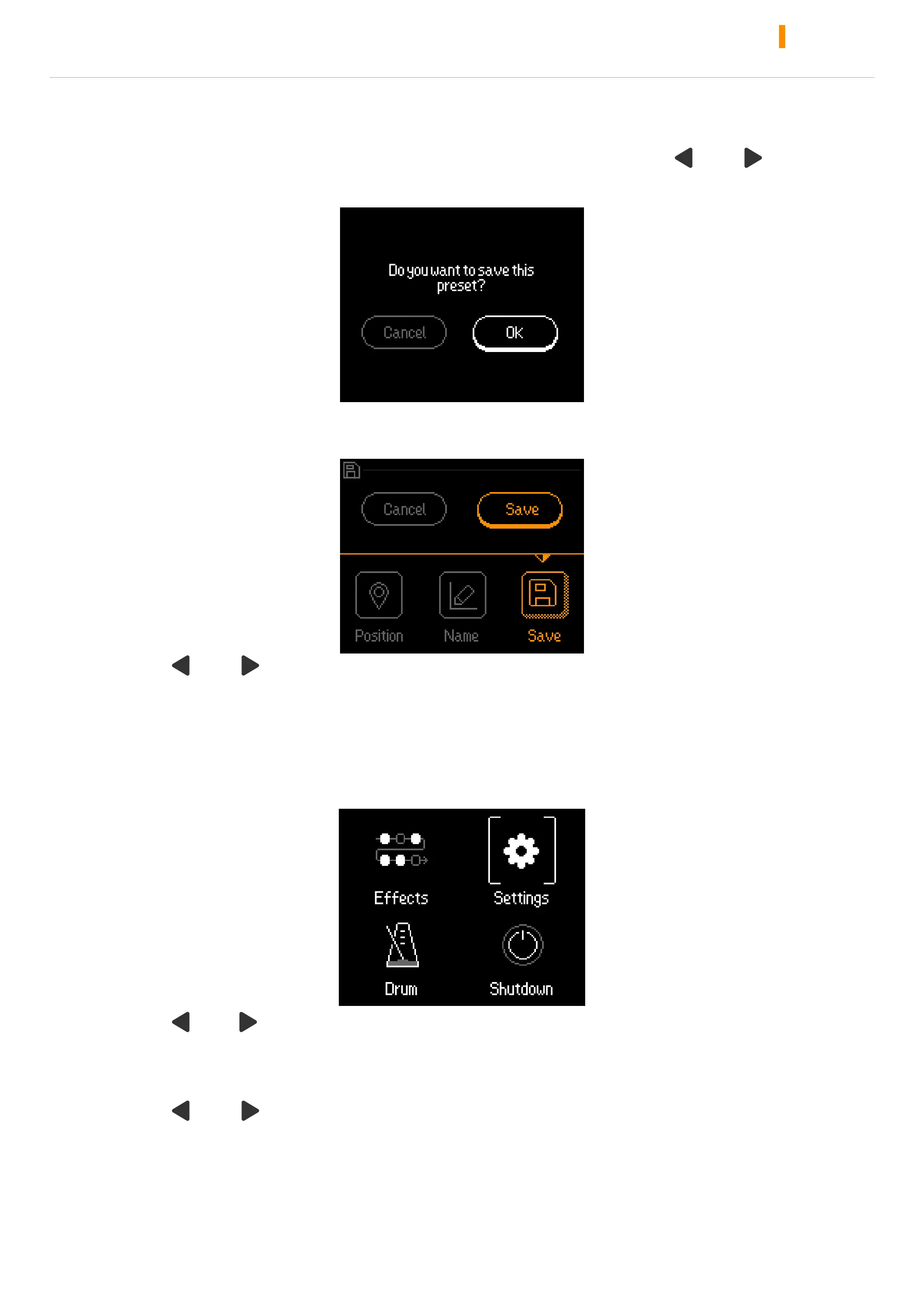
Enter any preset, if after changing the preset, press the “ ” + “ ” as
shown in the figure:
Select Cancel , return to the main menu
Select OK, then enter the storage menu as shown in the figure:
Press “ ” + “ ” to select option, VALUE / VOL knob to edit.
Select Save to save after the setup completes.
SETTINGS
Select Settings to enter the Global Settings menu.
Press “ ” / “ ” to switch presets, switch effect modules and various
options
Turn or press VALUE/VOL knob to select or adjusts parameters
Press “ ” + “ ” at the same time to return main menu



 To Next Page