32
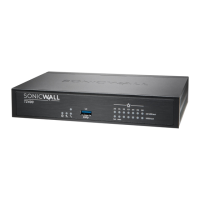
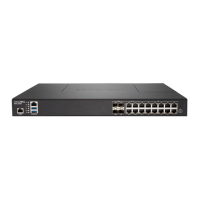
SonicWallNSA2650Get tingStartedGuide
UsingMySonicWall
SonicWallrequiresaMySonicWallaccountpriortoconfiguring
yourappliance.IfyoualreadyhaveaMySonicWallaccount,
youcancontinuetoRegistrationOverviewonpage33.
MySonicWallisusedduringregistrationofyourSonicWall
applianceandtoactivateorpurchaselicensesforsecurity
services,support,orsoftwarespecifictoyourSon ic Wall
device.
ForaHighAvailabilityconfiguration,MySonicWallprovidesa
waytoassociateasecondaryunitthatcansharesecurity
servicelicenseswithyourprimaryappliance.
CreatingaMySonicWall
Account
FollowtheseprocedurestosetupaMySonicWallaccount,if
youdon’talreadyhaveone.
TocreateaMySonicWallaccount:
1InyourWebbrowser,navigateto:
https://www.mysonicwall.com
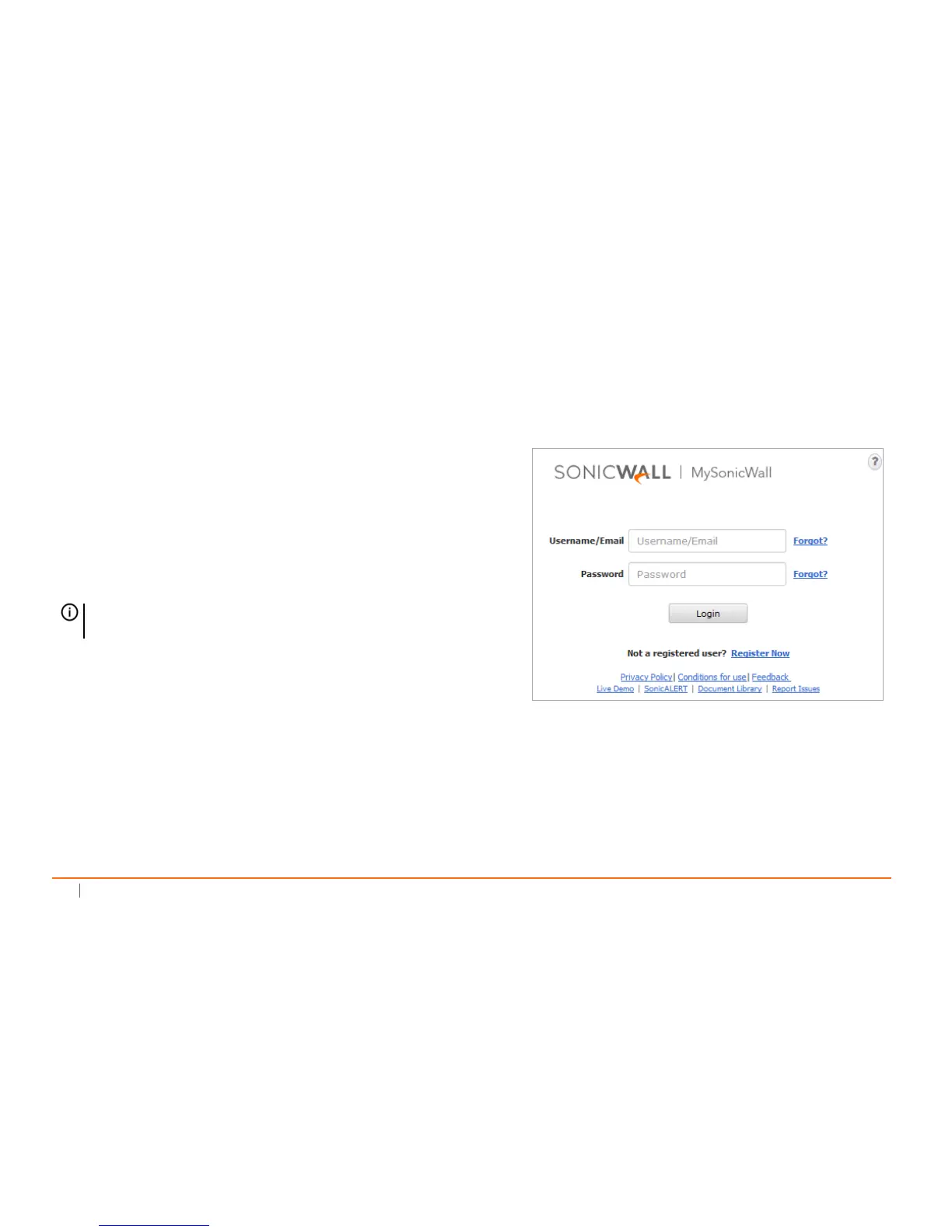
2Intheloginscreen,clicktheRegisterNowlink.
3CompletetheRegistrationform,andthenclickRegister.
4Verifythattheinformationiscorrect,andthenclick
Submit.
5Toconfirmyouraccountwascreated,clickContinue.
NOTE:MySonicWallregistrationinformationisnotsold
orsharedwithanyothercompany.




 To Next Page