The SMA network extension client, NetExtender, is available through the SMA Web portal through an ActiveX control on Windows or using Java on
MacOS or Linux systems. It is also available through stand-alone applications for Windows, Linux, and MacOS platforms. The NetExtender standalone
applications are automatically installed on a client system the first time the user clicks the NetExtender link in the Virtual Office portal. NetExtender enables
end users to connect to the remote network without needing to install and configure complex software, providing a secure means to access any type of
data on the remote network. NetExtender supports IPv6 client connections from Windows systems running Vista or newer, and from Linux clients.
NOTE: The SSHv2 applet requires SUN JRE 1.6.0_10 or higher and can only connect to a
server that supports SSHv2. The RDP Java applet requires SUN JRE 1.6.0_10 or higher.
Telnet and VNC applets support MS JVM in Internet Explorer, and run on other browsers with
SUN JRE 1.6.0_10 or higher.
SMA Hardware Components
See the following sections for descriptions of the hardware components on SMA appliances:
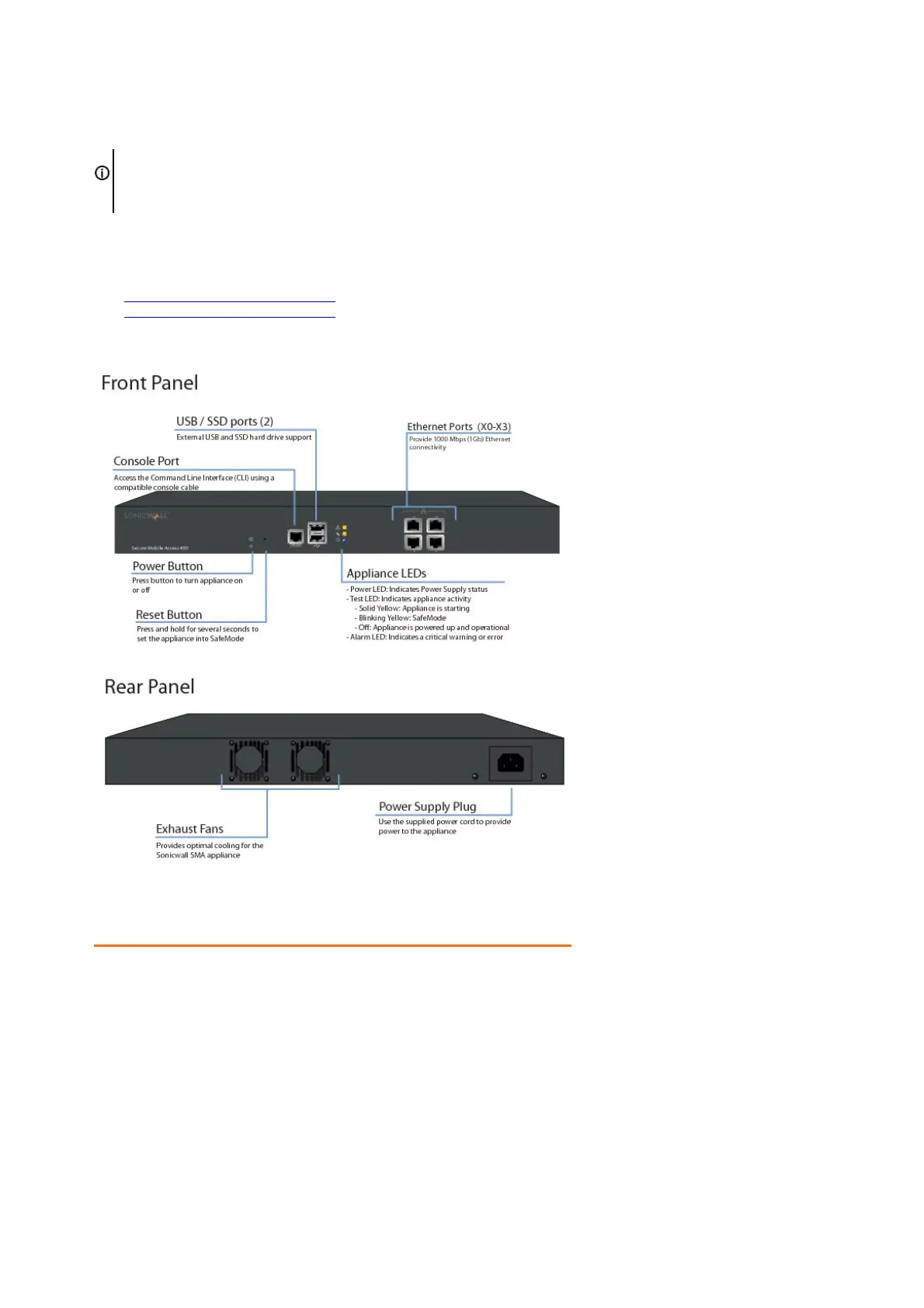
• SMA 400 Front and Back Panels Overview
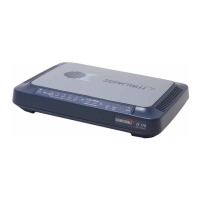
• SMA 200 Front and Back Panels Overview
SMA 400 Front and Back Panels Overview
SMA 400 Front Panel Features
Front Panel Feature Description
Console Port RJ-45 port, provides access to console messages with serial
connection (115200 Baud). Provides access to command line
interface (for future use).
USB/SSD Ports Provides access to external USB and SSD hard drive support.
Reset Button Provides access to SafeMode.
Power LED Indicates the SMA 400 is powered on.
Test LED Indicates the SMA 400 is in test mode.
Alarm LED Indicates a critical error or failure.
X3 Provides access to the X3 interface and to SMA resources.
X2 Provides access to the X2 interface and to SMA resources.
X1 Provides access to the X1 interface and to SMA resources.
X0 Default management port. Provides connectivity between the SMA
400 and your gateway.
SMA 400 Back Panel Features












 To Next Page