Settings
• Interface Settings – Define an IPv6 address for the interface. The link-local address is displayed in a tooltip on Interfaces page.
• Route Settings – Define a static route with IPv6 destination network and gateway.
• Network Object – Define the network object using IPv6. An IPv6 address and IPv6 network can be attached to this network object.
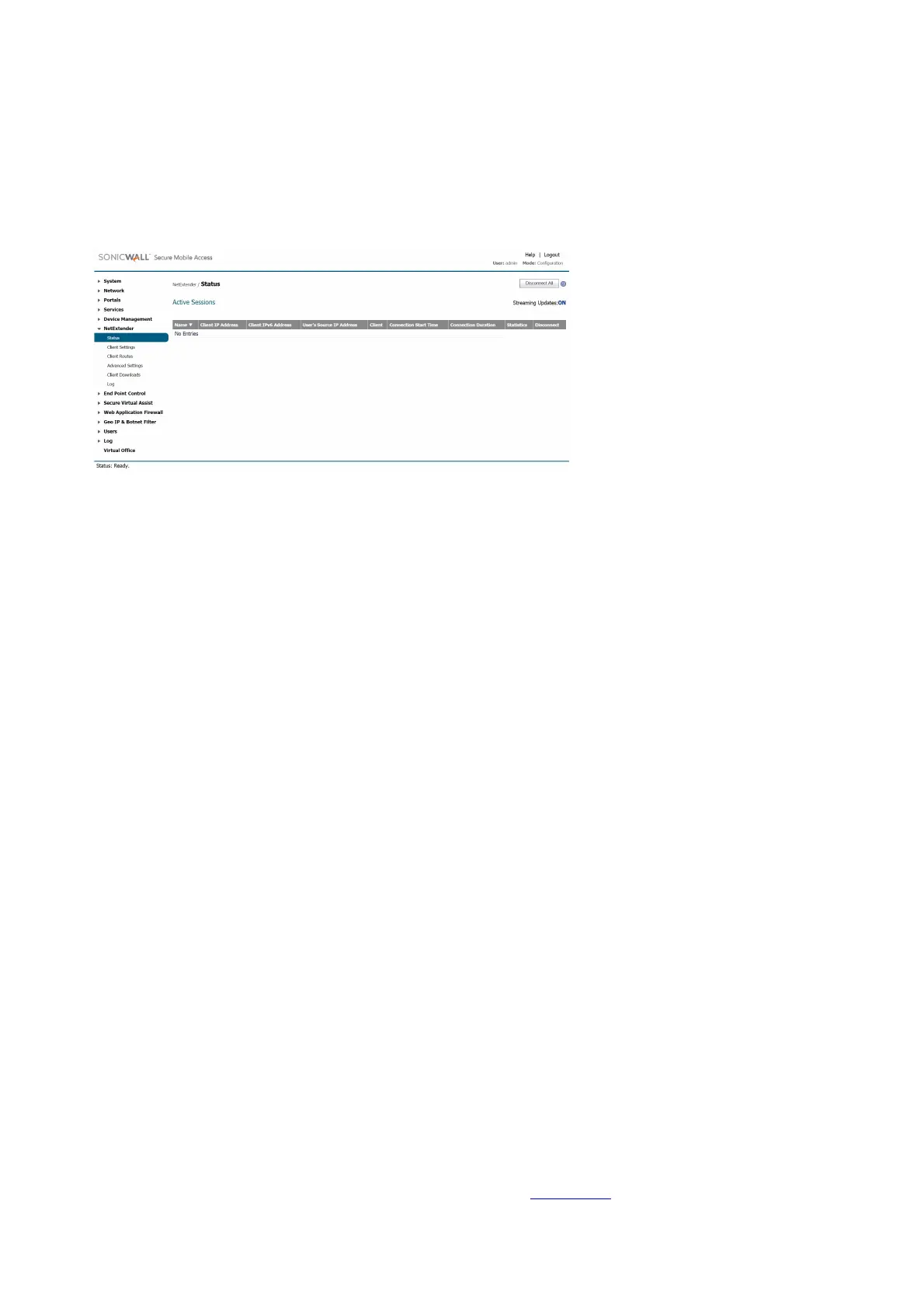
NetExtender
When a client connects to NetExtender, it can get an IPv6 address from the SMA/SRA appliance if the client machine supports IPv6 and an IPv6 address
pool is configured on the SMA/SRA appliance. NetExtender supports IPv6 client connections from Windows systems running Vista or newer, and from
Linux clients.
Secure Virtual Assist
Users and Technicians can request and provide support when using IPv6 addresses.
Rules
• Policy rule – User or Group Policies. Three IPv6 options in the Apply Policy To drop-down list:
• IPv6 Address
• IPv6 Address Range
• All IPv6 Address
• Login rule – Use IPv6 for address fields:
• Define Login From Defined Addresses using IPv6
• Two IPv6 options in the Source Address drop-down list: IPv6 Address / IPv6 Network
Virtual Hosts
An administrator can assign an IPv6 address to a virtual host, and can use this address to access the virtual host.
Application Offloading
An administrator can assign an IPv6 address to an application server used for application offloading, and can use this address to access the server.
Portals Overview
Secure Mobile Access provides a mechanism called Virtual Office that is a web-based portal interface that provides clients with easy access to internal
resources in your organization. Components such as NetExtender, Secure Virtual Assist, and bookmarks to file shares and other network resources are
presented to users through the Virtual Office portal. For organizations with multiple user types, the SMA/SRA appliance allows for multiple customized
portals, each with its own set of shared resource bookmarks. Portals also allow for individual domain and security certificates on a per-portal basis. The
components in a portal are customized when adding a portal.
File Shares
File shares provide remote users with a secure Web interface to Microsoft File Shares using the CIFS (Common Internet File System) or SMB (Server
Message Block) protocols. Using a Web interface similar in style to Microsoft’s familiar Network Neighborhood or My Network Places, File Shares
allow users with appropriate permissions to browse network shares, rename, delete, retrieve, and upload files, and to create bookmarks for later recall.
File shares can be configured to allow restricted server path access.
Custom Portals
SMA/SRA appliances allow you to configure multiple portals, each with their own title, banner, login message, logo and set of available resources. Each
portal also enables you to set individual Virtual Hosts/Domain Names to create a unique default portal URL. When a user logs into a portal, he or she sees
a set of pre-configured links and bookmarks that are specific to that portal. You can configure whether or not NetExtender is displayed on a Virtual Office
portal, and if you want NetExtender to automatically launch when users log in to the portal. The administrator configures which elements each portal
displays through the Portal Settings window. For information on configuring portals, refer to Portals > Portals.
Domains Overview












 To Next Page