Power On/Power Off
1. Power On
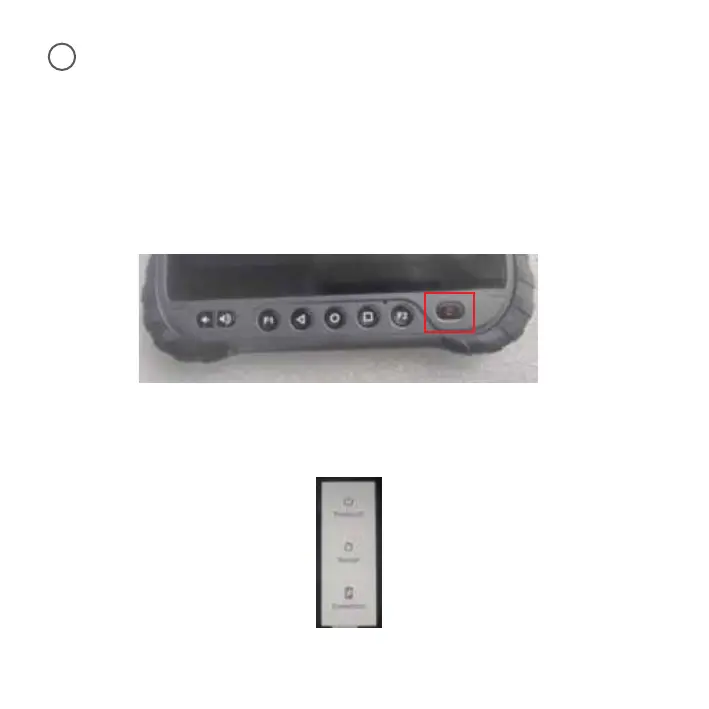
Press the power button a few seconds until the device vibrates.
2. Enter/Exit Sleep Mode
Click the power button once, the screen enters sleep mode.
When the screen is lit up and there is no operation for one minute, the device will automatically
enter the sleep mode(Standby time setting: Display > Screen timeout).
Click the power button once, the screen lights up and exits sleep mode. Swipe up on the screen to
unlock.
3. Power Off/Restart/Screenshot
Long press the power button, a dialog box will pop up on the right side of the screen. Select the
desired function to turn off the power, restart or take a screenshot.
9
11



 To Next Page