29
Your Sonim XP5560 BOLT
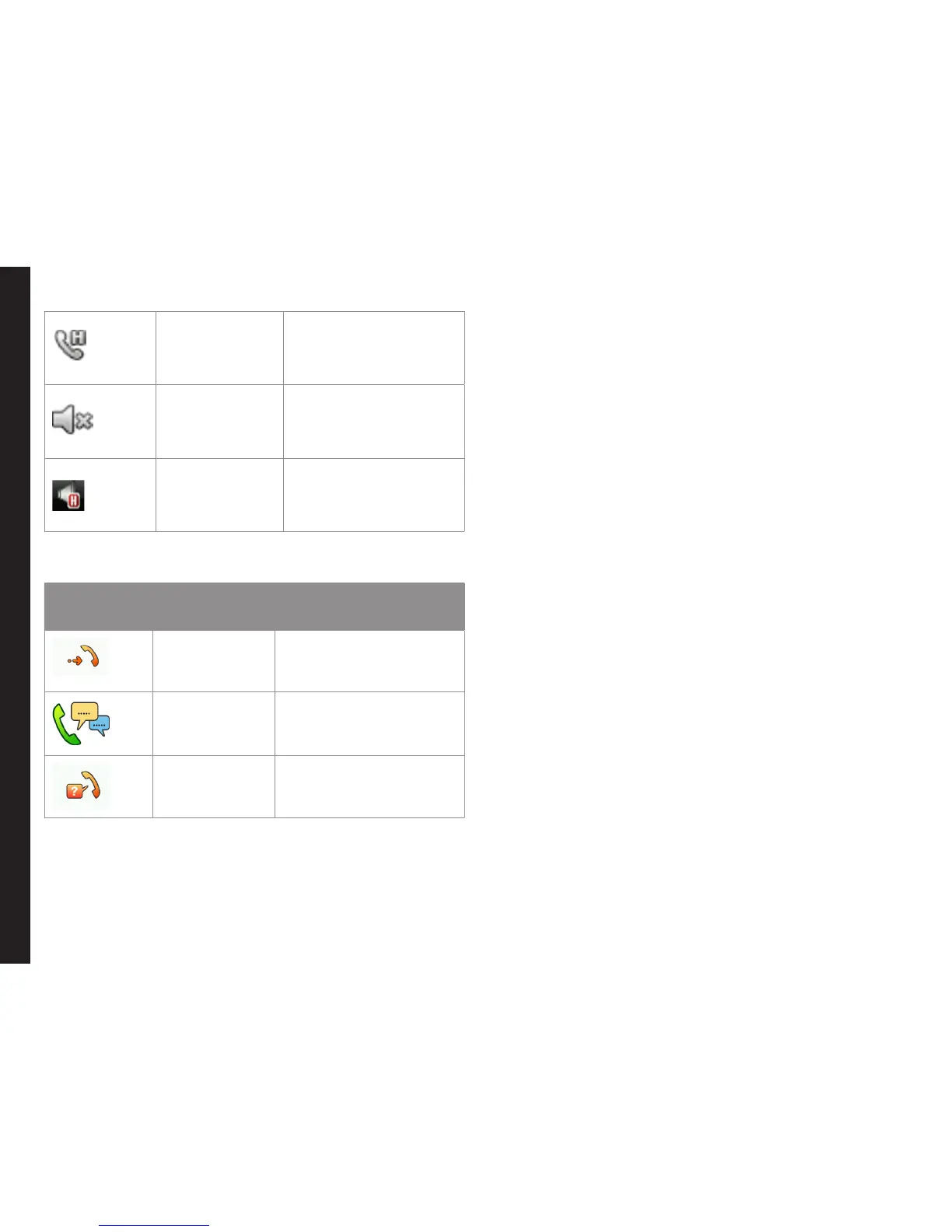
Call on Hold
Indicates a call on
hold.
Call on Mute
Indicates a call on
mute.
Handsfree
Call
Indicates a handsfree
call.
The following table describes the display indicators on
the home screen in the Sonim XP5560 phone:
Display
Indicators
Name Description
Incoming
Call
Indicates an incoming
call.
Outgoing
Call
Indicates an outgoing
call.
Missed Call Indicates a missed call.
Key Operations without Your SIM Card
Menus Accessible
The following menus can be accessed on the phone
without the SIM card:
• Settings
• Phone settings
• A-GPS settings
• Security settings
• Connectivity - Bluetooth
• Phonebook
• My les
• Tools
• Applications
• Multimedia



 To Next Page