Quick Start Guide – XP8 7/18/2018
Page 5 of 17
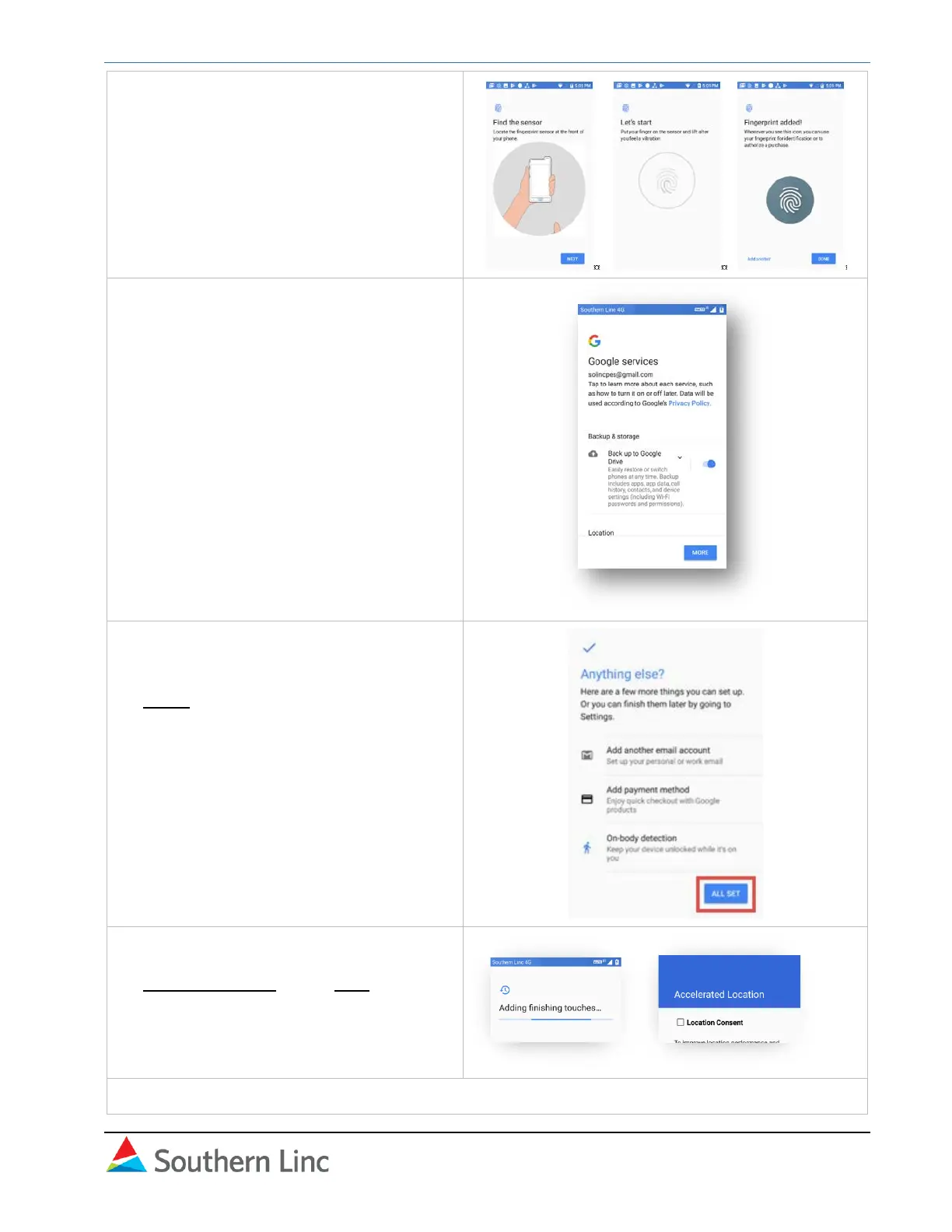
9. Set fingerprint following on-screen
instructions.
10. In Google services, select your
preferences following on-screen
instructions.
11. In the final Anything else? screen,
perform additional setup. These can be
done later in the Settings menu. Select
All set when done.
12. Google setup will complete. In the
Accelerated Location screen, select
Location Consent. Press Next.
Google setup is complete. The Sonim Setup wizard will open.



 To Next Page