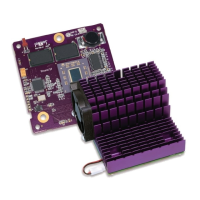
3. Lift up a clip and hook it over the back edge of the Encore/ST card, then pull
it toward you. Repeat this process with the other clip. Grasp a clip with nee-
dle-nose pliers, then pull it toward you and over the front edges of the heat
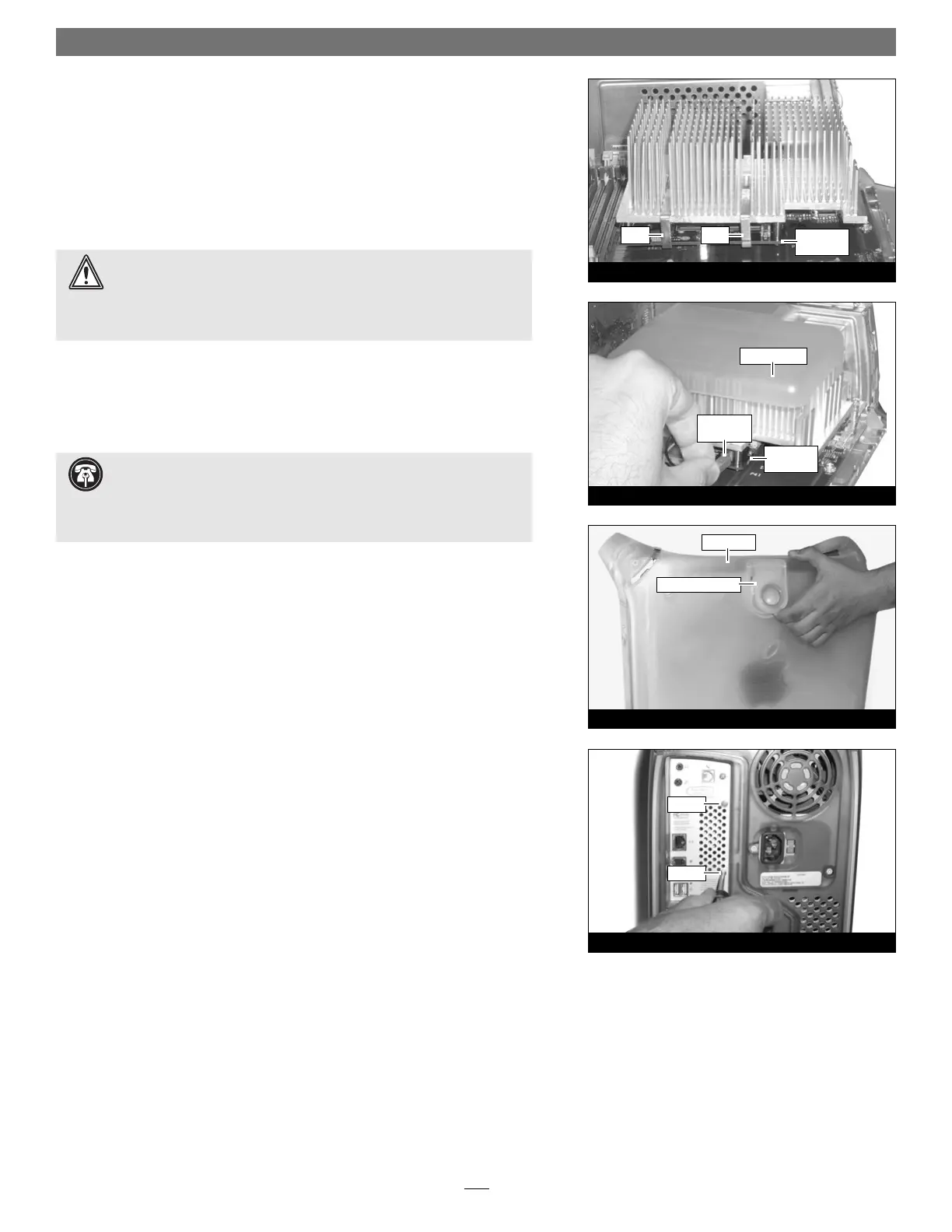
sink and the Encore/ST card (Figure 34); be careful not to touch the
Encore/ST card with the pliers, and be sure that the clip is grasping the
card at both ends. Repeat this process with the other clip.
4. Visually inspect all four points where the clips attach to the Encore/ST card.
It is easy for the clips to be attached only to the heat sink, which can lead to
destructive overheating of your upgrade card. Verify that each clip is grasping
the card at each end.
Reinstall Fan Assembly and Close Computer
1. Slide the fan assembly back over the heat sink, making sure the fan assem-
bly’s clips engage the Encore/ST card and the heat sink (Figure 35). Remove
the foam covering the 2-pin connector on the edge of the Encore/ST card,
and then carefully plug in the fan’s 2-pin connector (Figure 35).
2. Raise the side panel back into place (Figure 36).
3. Using the two screws you removed previously, secure the fan assembly to the
back plate of the computer (Figure 37).
4. Return the computer to your computing area if necessary, and reconnect the
power cord and peripheral cables to the computer.
Turn On Computer
Turn on your Power Mac; your accelerated machine should boot normally. Your
installation is now complete.
Installation—Digital Audio Models
9
Figure 37
Figure 36
raise release latch
screw
screw
side panel
Figure 35
fan assembly
Encore/ST
card
2-pin
connector
Support Note: The Encore/ST processor card operates reliably in Power
Mac G4 Digital Audio models with or without a fan covering the heat
sink. If your system does not have a fan assembly, leave the piece of foam cover-
ing the 2-pin connector on the edge of the Encore/ST card in place; skip steps 1
and 3 of “Reinstall Fan Assembly and Close Computer”.
Figure 34
Encore/ST
card
clip clip
WARNING: The heat sink must be secured firmly, flatly and completely
for reliable and stable operation. If the clips are not properly attached to
the Encore/ST card at all four contact points, proper cooling of the processor
will not occur and the processor will overheat, causing severe damage to the
Encore/ST card. Repairs due to this damage are not covered by warranty.


 To Next Page
 Loading...