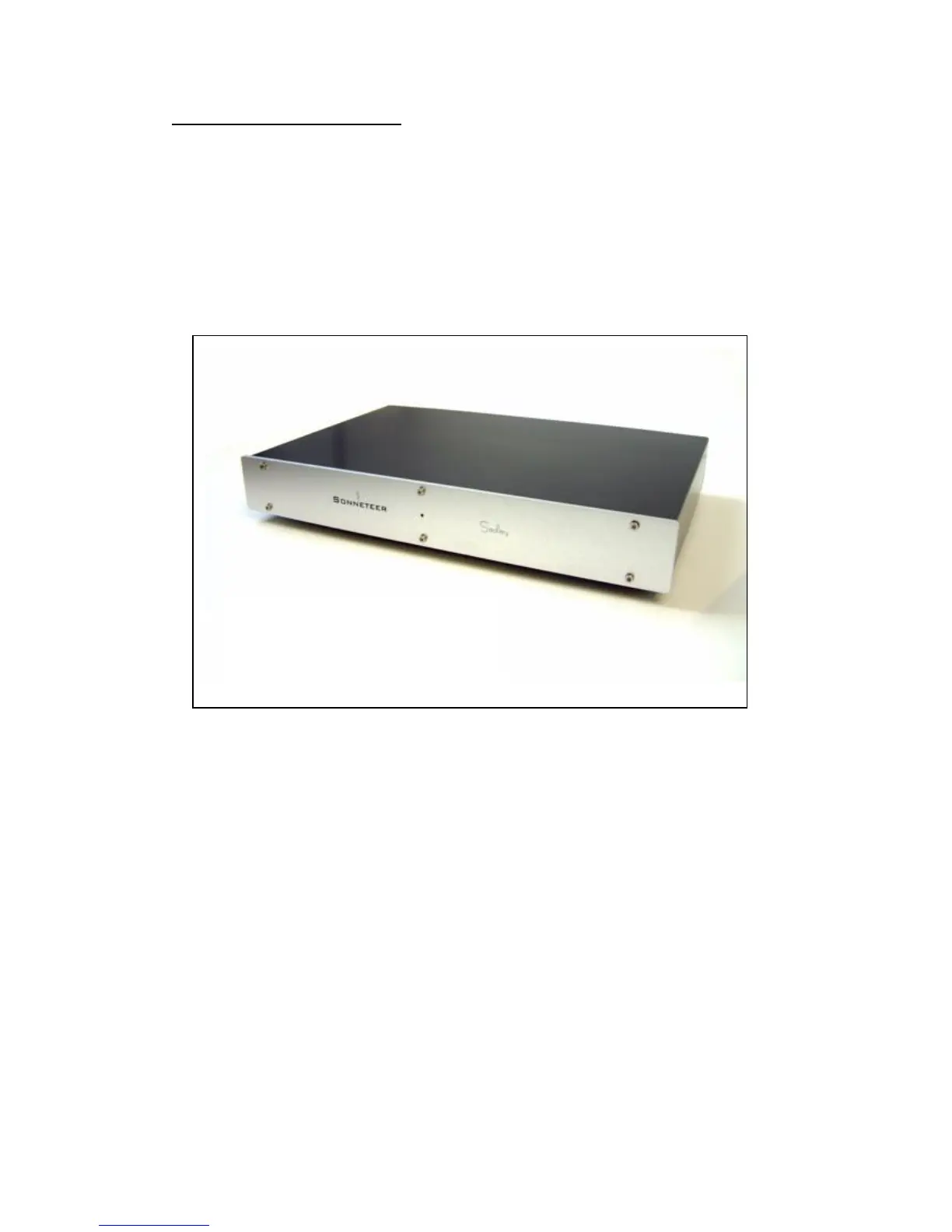
Software installation guide:
To use your computer to back up your vinyls using your Sedley USB, you will
need to use a recording program (or software) of some description. There are
many programs available that will work with the Sedley USB, but to get you
started we have included 2 programs for you in the supplied CD.
When ready please insert your Sonneteer Sedley USB CD into your
computer. Within seconds the CD will auto-run and you will be greeted with
the following screen:
Please select on one of the options.
1. Install LP Recorder - Simple and easy to use program, especially
suitable for novice users (New to computer recording).
2. Help files for LP Recorder
3. Install Audacity – A powerful recording and editing program, suitable to
the more advanced users (spent time in a recording studio!).
4. Help files for Audacity
5. Sedley USB Manual – Electronic form of the Sedley USB manual.
6. Sonneteer Home Page – Like to Sonneteers website (Internet
connection required).
Important!: Please read the manual/help files supplied with the software
you use as this is only a guide to get started.


 To Next Page