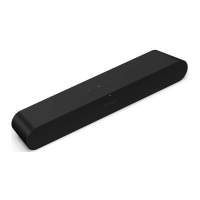
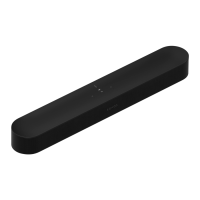
SONOS USER GUIDE
Arc
The premium smart soundbar for TV, movies, music, and more—
•3D sound with Dolby Atmos.
•Eleven high-performance drivers, including custom elliptical woofers and angled side tweeters for rich
bass and clear dialogue.
•Arc’s advanced processing creates five phased-array channels that deliver sound to your ears from all
directions.
•Quick and easy setup, with only one cable to connect to your TV. Elegant design discreetly mounts to
the wall or sits on a credenza beneath the TV.
•Expandable. Add a Sub and a pair of Sonos speakers (Sonos One or Sonos Five), for 5.1 surround sound.
For more information, see
Sonos home theater.
•Set up and control with the Sonos app (for Android and iOS).
•See Getting started when you’re ready to add Arc to your Sonos system.
Controls and lights
Swipe, touch, tap, or ask—with Sonos Arc you’ve got choices on how to control sound.
•Use the touch controls—touch or swipe across the controls.
•Voice control—set it up and use your voice to turn the TV on or off, adjust the volume, or play music.
•Use the Sonos S2 app.
•Use your TV remote control.



 To Next Page