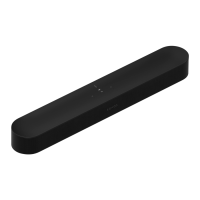
SONOS USER GUIDE
Wall mount
Guidelines
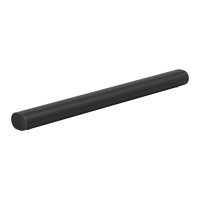
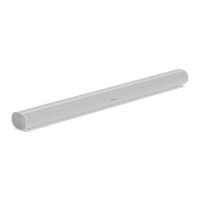
•Use the Sonos Arc wall mount kit. You can buy it on www.sonos.com. Follow the instructions in the kit.
•Keep 4.0" (102 mm) space (minimum) between Sonos Arc and your TV.
•Make sure the touch controls are facing up.
•For best sound quality, keep both ends of Arc at least 1' (30cm) from a wall or other obstruction.
Mount kit contents
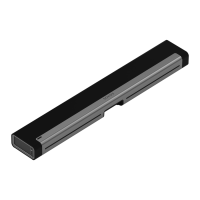
•Wall mount bracket
•Positioning guide (don’t discard—it may look like packing material)
•2 knobs
•6 wall anchors
•6 screws
Note: Don’t discard the positioning guide. It may look like packing material.
1. If your TV is wall-mounted, place the positioning guide against the wall, aligning the top edge with the
bottom of your TV. There should be 5.5" (140 mm) between the top of the wall mount bracket and the TV.



 To Next Page