SONOS USER GUIDE
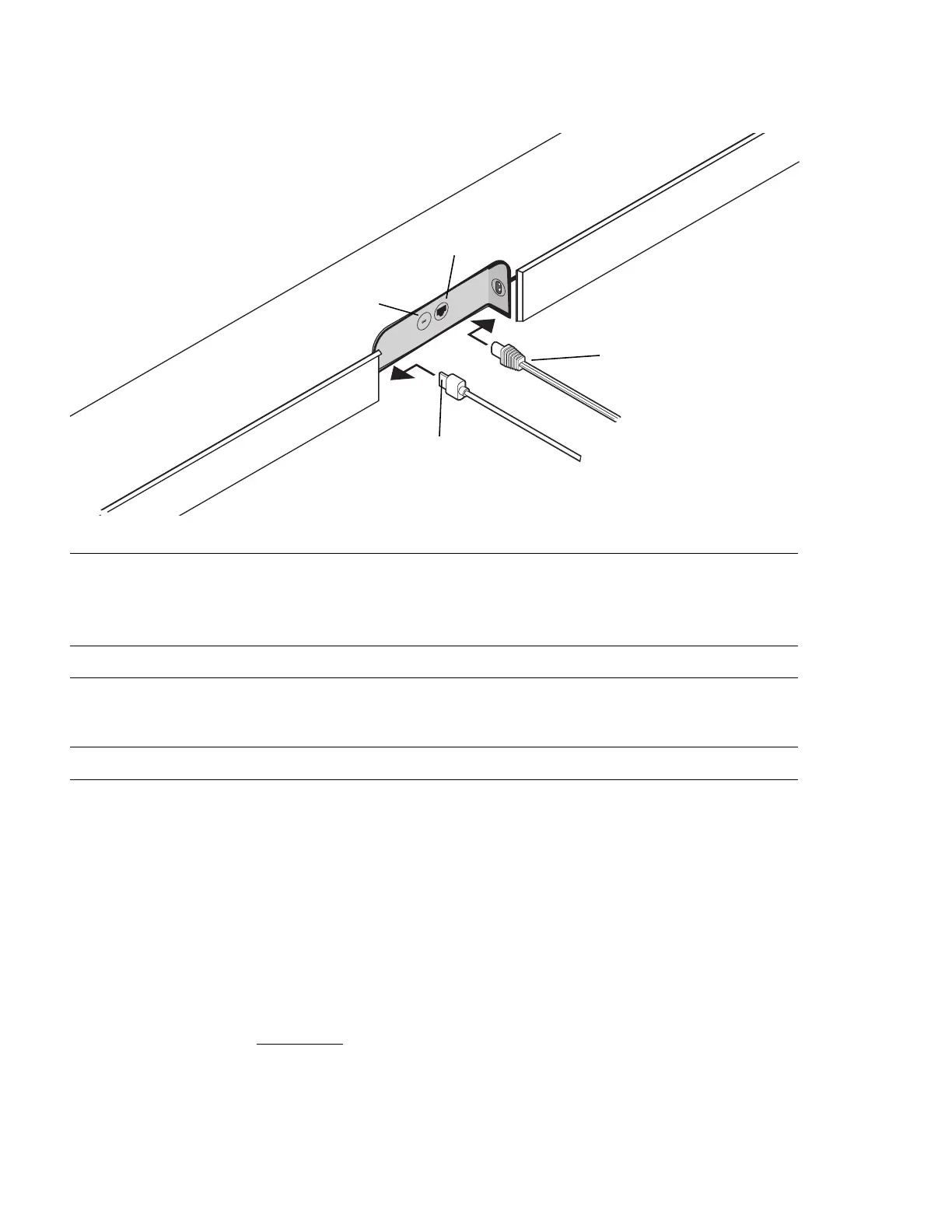
Connector panel
Select a location
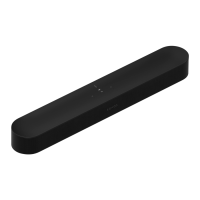
You can mount S19 to a wall above or below your TV or place it on a credenza.
Place on a credenza
• Place horizontally on a stable and level surface at least 2" (50mm) away from the TV.
• Leave 4" of open space around the sides and above S19.
• Don’t place vertically or on its side.
• Make sure the touch controls are facing up.
Wall mount
To put S19 on a wall, see Wall mount.
AC power (mains) input Use only the supplied power cord (using a third-party
power cord will void your warranty).
Note: Insert the power cord firmly until it is flush with
the speaker.
Join button Press to connect during setup.
Ethernet port Use an Ethernet cable if you want to connect to a router,
computer, or network-attached storage (NAS) device
(optional).
HDMI port Use to connect the soundbar to your TV.
AC power (mains) input
HDMI port
Join button
Ethernet port


 To Next Page