L741 User Manual
4890-0063-01A
4-2
Connecting probes
It is unnecessary to turn off the system in order to connect/disconnect
the probes.
Before you connect or disconnect a probe, the probe must not be
active scanning, you should either
• use the Freeze key to activate the freeze mode.
• or press the MENU key to activate the preparation mode.
Disconnecting a probe while it is active scanning may
cause software error. If this happens, restart the system
(turn off the system and later turn it on).
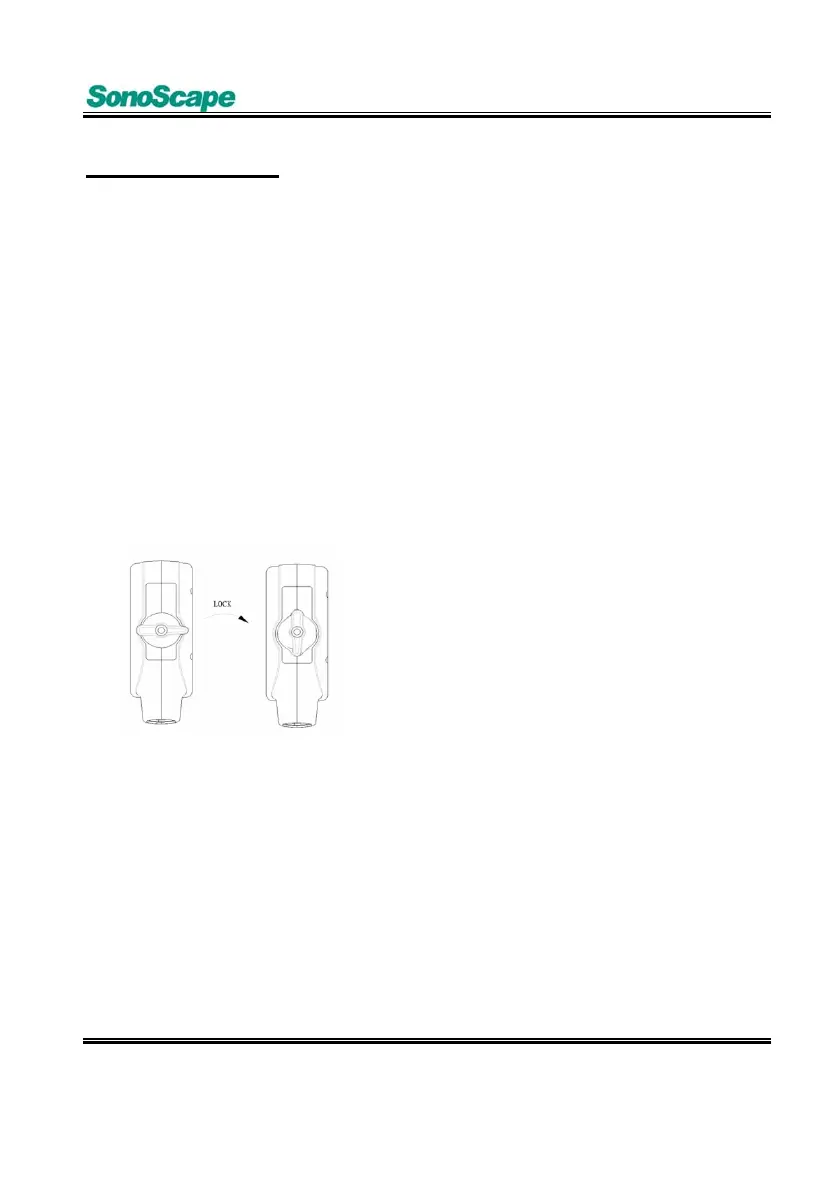
Instructions
1. Plug the probe connector straight
into the probe socket on the
ultrasound system.
2. Turn the knob clockwise to lock
the connector in position.
3. You may hang the excessive
cables on the probe cable hook on
the ultrasound system.



 To Next Page