38 Imaging
Imaging
Camera and video recorder
You can take pictures and record
video clips to view, save or send.
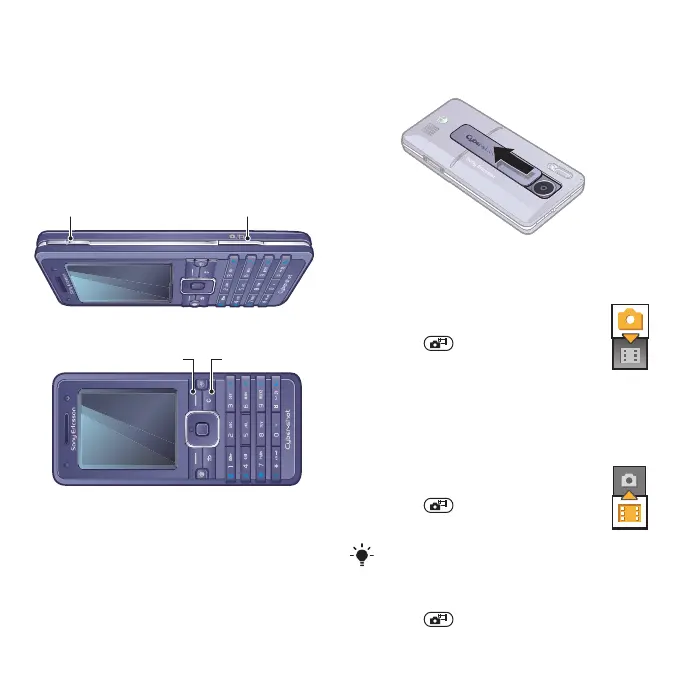
To activate the camera
• When the phone is turned on, slide
open the lens cover.
To take a picture
1 Activate the camera.
2 Use the navigation key
to select camera.
3 Press half way down to
use auto focus. When you hear
a beep, press fully down to
take a picture.
To record a video clip
1 Activate the camera.
2 Use the navigation key to
select video recorder.
3 Press fully down to start
recording.
To stop recording
• Press .
Screen options
Zoom in
or out
Take pictures
Record video
Delete
Do not record with a strong light source
in the background.
This is the Internet version of the User's guide. © Print only for private use.















 To Next Page