Screen icons
These icons may appear on the screen.
Icon Description
Missed call
Handsfree connected
Ongoing call
Text message received
Multimedia message received
Predictive text input activated
Phone set to silent
Radio playing
Alarm activated
Bluetooth™ function activated
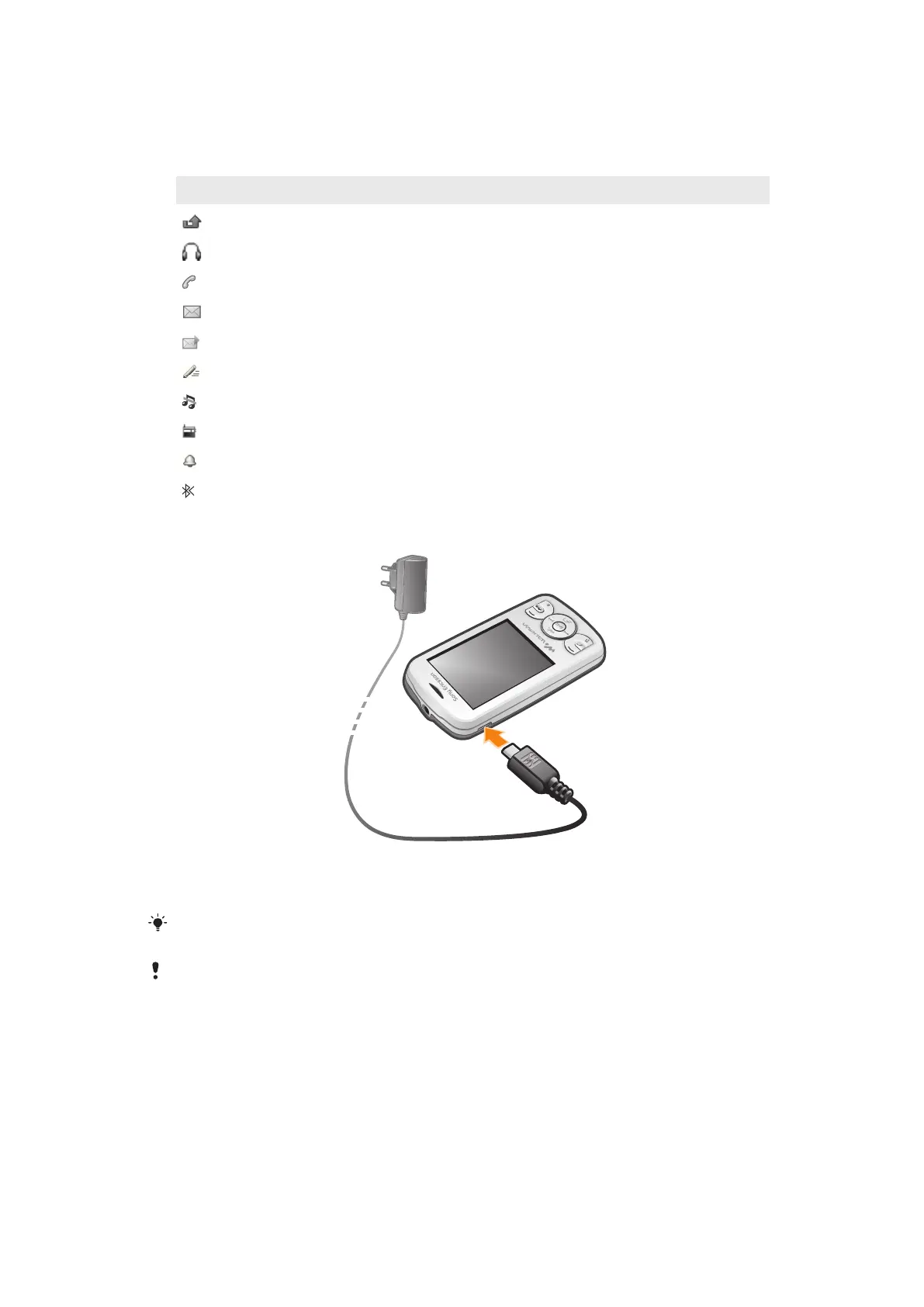
To charge the battery
•
Connect the charger to the phone with the power icon on the charger facing
upwards. It takes approximately 2.5 hours to fully charge the battery. You can still
use your phone while it is charging.
The phone battery is partly charged when you buy it. It may take a few minutes before the battery
icon appears on the screen.
The battery will start to discharge a little after it is fully charged and then charges again after a
certain time. This is to extend battery life and may result in the charge status showing a level
below 100 percent.
10
This is an Internet version of this publication. © Print only for private use.













 To Next Page