Memory card
You may have to purchase a memory card separately.
Your phone supports a microSD™ memory card, adding more storage space to your
phone. This type of card can also be used as a portable memory card with other compatible
devices.
You can move content between a memory card and the phone memory.
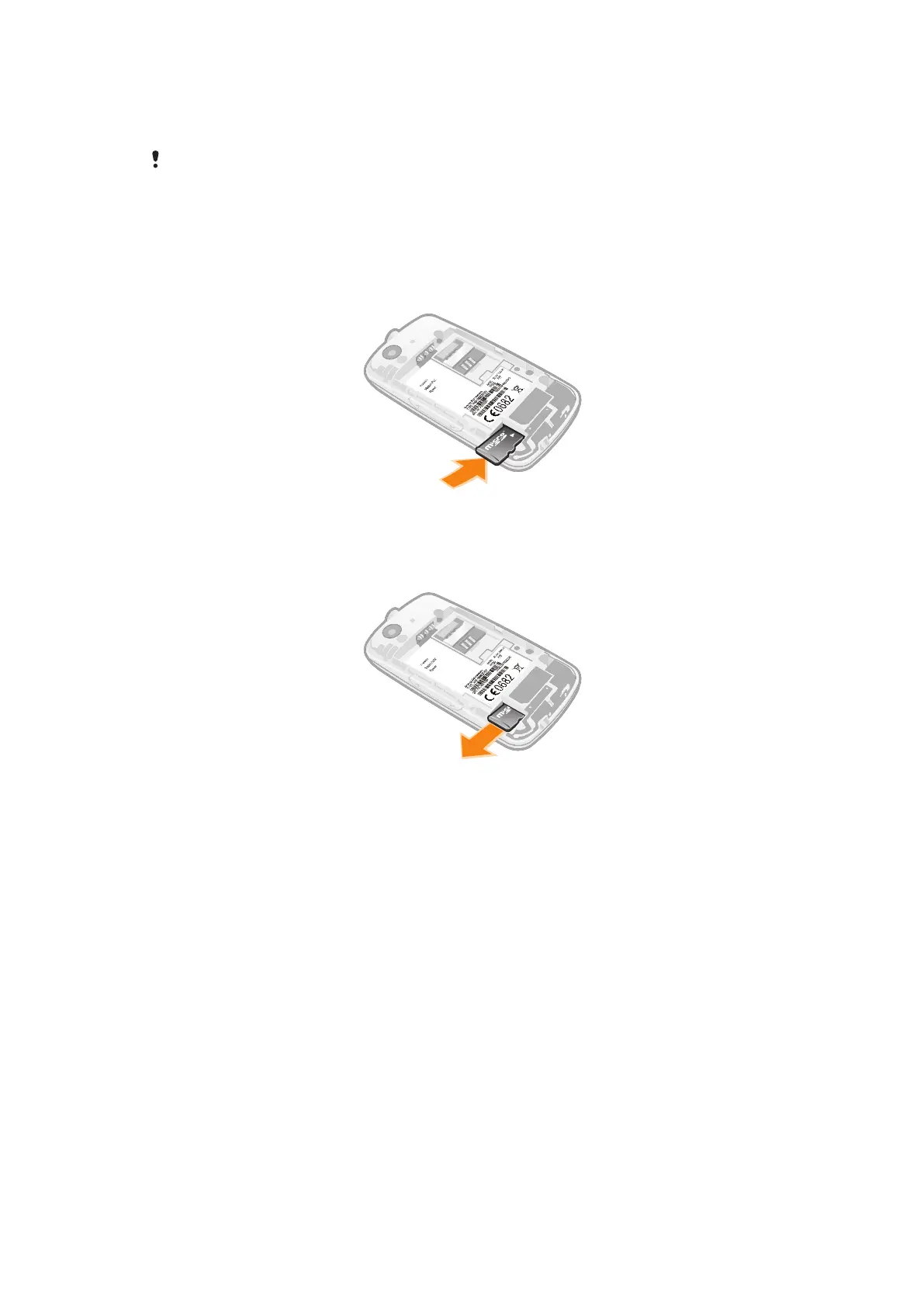
To insert a memory card
•
Remove the battery cover and insert the memory card with the gold-coloured
contacts facing down.
To remove a memory card
•
Remove the battery cover and slide the memory card to remove it.
8
This is an Internet version of this publication. © Print only for private use.













 To Next Page